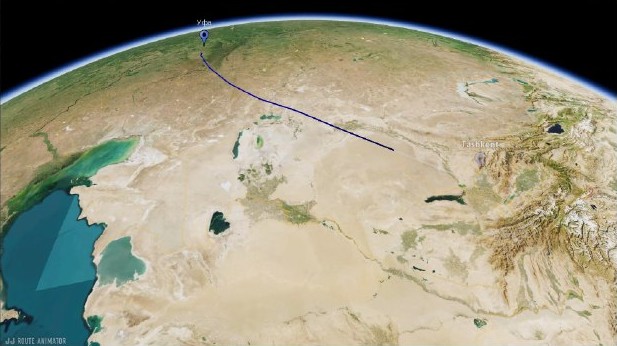
A road trip video becomes easier to follow when viewers can see how the places connect. Use an animated route to explain a stretch of the journey, then return to the footage that shows what happened along the way.
Let the route explain the journey
Start with the part of the trip that matters to the scene. A map of the whole holiday can work as an opening overview, while a shorter route segment is useful before footage from one day or one destination. The choice should make the next scene easier to understand.
JJ Route Animator includes place search and route building. If you already have prepared geographical data, KML or KMZ import provides another way to bring routes and points into an Event. Review the route you intend to show before building the camera sequence.
Give the stops a clear role
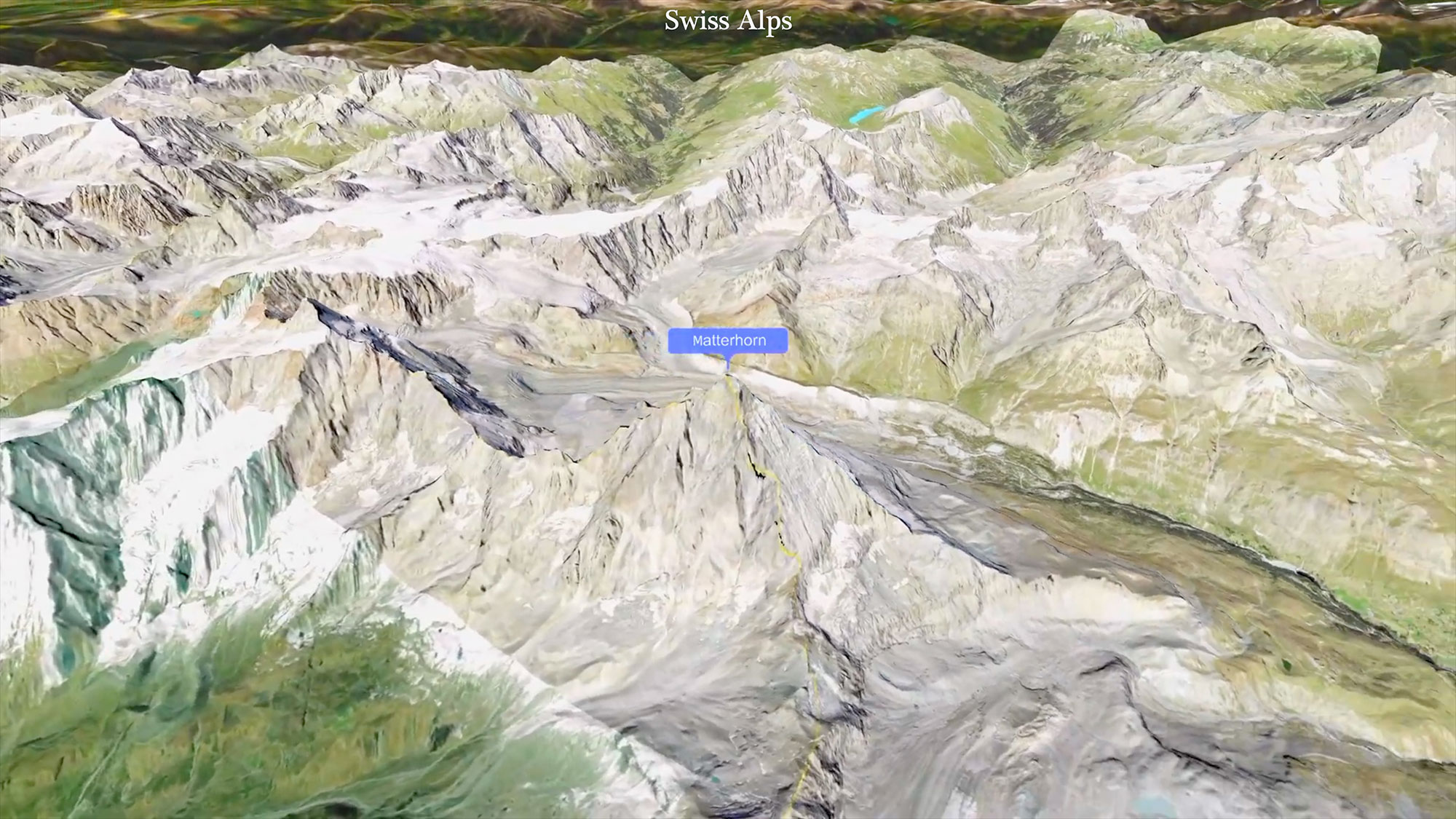
Use Track Following when the bends, distance and landscape along the path are part of the story. A viewpoint, town or overnight stop can be introduced with a marker. Check its visibility separately from its timing: an enabled marker and the moment it appears are different decisions.
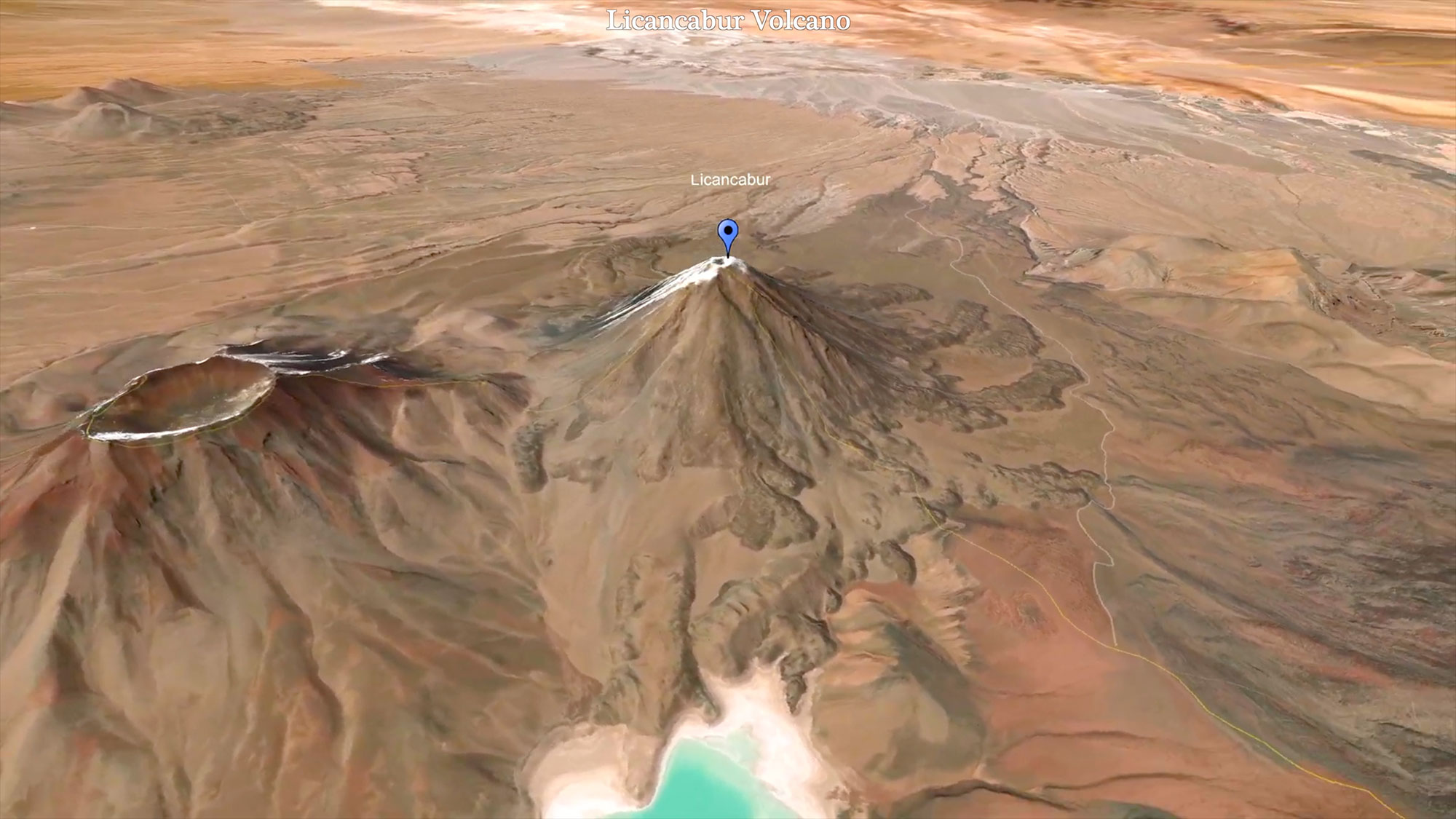
When only a few destinations need to be connected, Point-to-Point gives each selected stop its own camera view. A separate location orbit can introduce a place before your footage takes over.
Build chapters around the footage
A practical arrangement is route, arrival, experience: show how you reached the next stop, cut to arrival footage, then let the destination occupy the screen. Repeat the map only when it adds new information.
Breaking points can create distinct plans within a route clip. Cut the resulting video into the sections you need in your editor and place them between the corresponding chapters. Save a version of the map scenario before trying a different pace or camera view.
Begin with your first route animation. Review the map file alongside your driving and destination footage before deciding how much belongs in the final edit.