Route and Map Video Features

What can the app do? Explore the tools for creating animated map videos, from camera movements to objects and markers. Start with the clip types below; Zoom brings the Zoom+ and Zoom- directions together on one feature page.

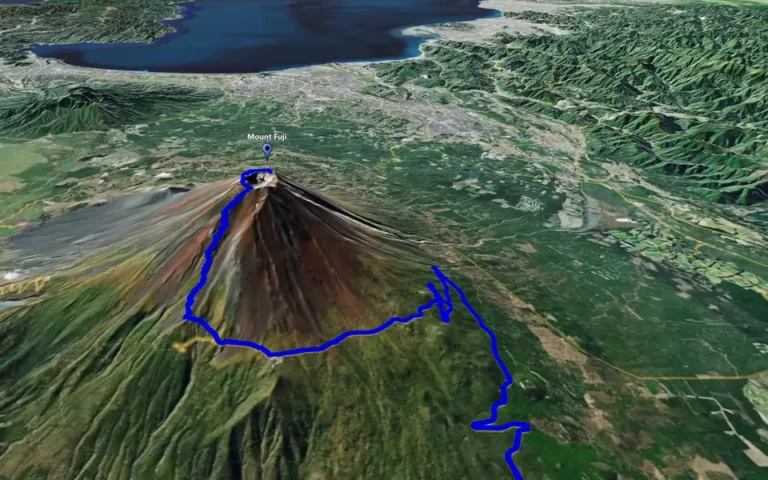
Mount Fuji and an animated route viewed from an orbiting map camera

Circling Around

Circling Around is the clip type for orbiting a selected place on a 3D map. Frame a mountain, island or landmark from changing viewpoints, adjust the camera view and combine the orbit with route animation when the place and the journey belong in the same scene.
Read more
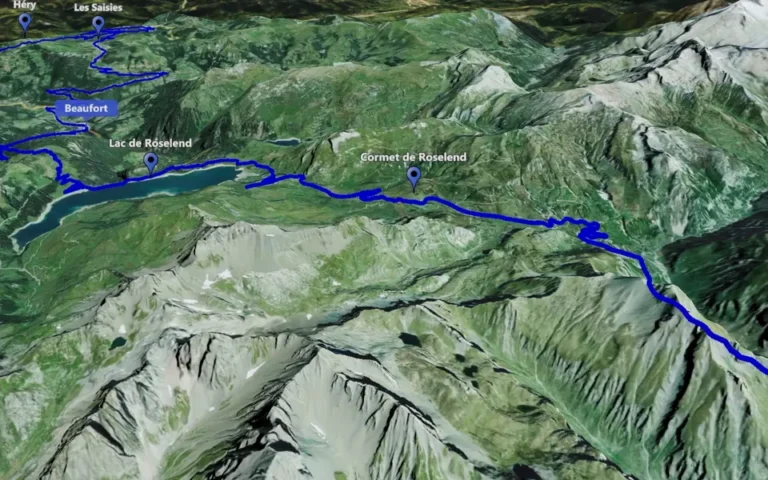
An animated route and place markers across the French Alps

Track Following

Track Following is the clip type for moving the camera along a route. Show a road trip, hiking trail or another journey across a 3D map, then refine the camera view and marker timing so viewers can follow the path and recognise the places along it.

Read more
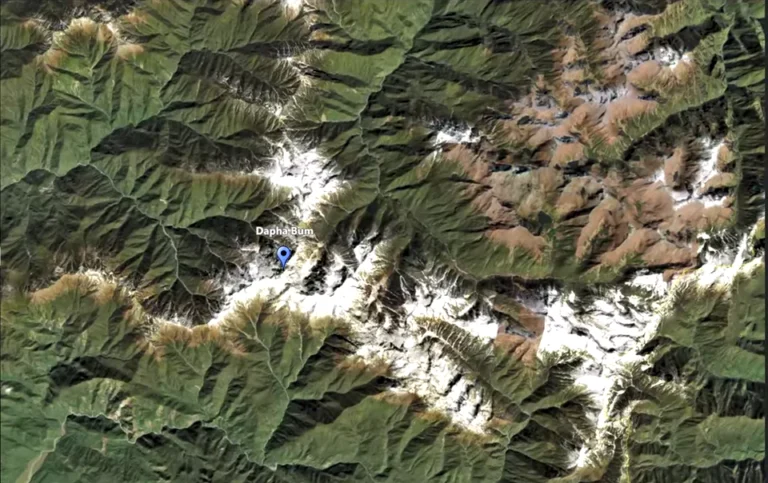
A selected mountain location during a Point-to-Point camera transition

Point-to-Point

Point-to-Point is the clip type for moving the camera between selected locations. Give each key point its own camera height, connect the important stops in your travel story and include a nearby animated track when the route helps explain the journey.

Read more
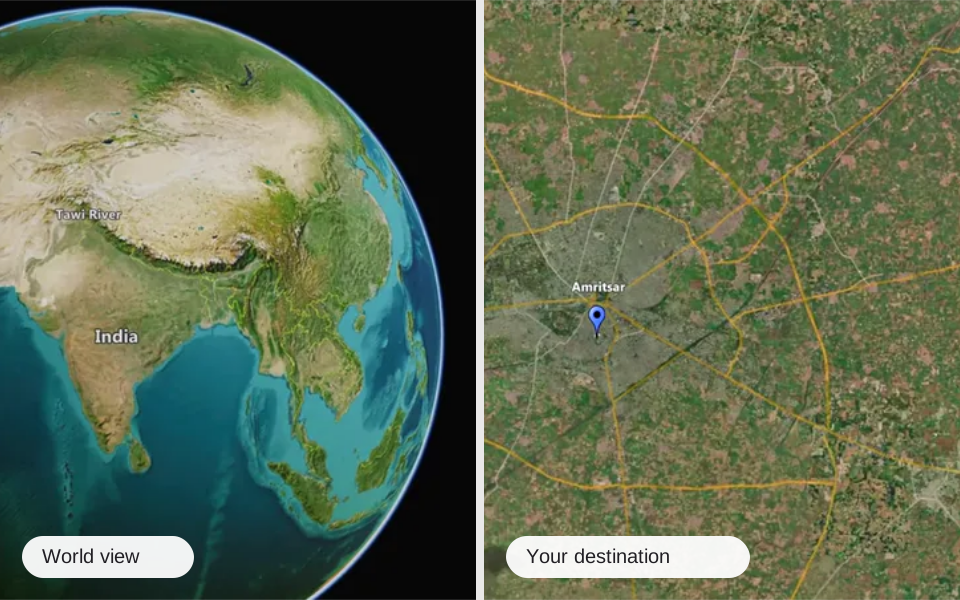
A world map view and a close view of a destination, illustrating map zoom animation

Zoom

Connect a location with the wider world using map zoom animation. Zoom+ brings the view towards a place or object; Zoom- pulls back to reveal its geographical setting. Compare both clip types and choose a transition that introduces a destination, closes a chapter or links your map sequence with travel footage.

Read more
Give places context

3D objects, markers, flags & outlines

Make the map easier to read and the places easier to remember. Add character to your scene and show viewers where the journey takes place.

Small details. Recognisable places.

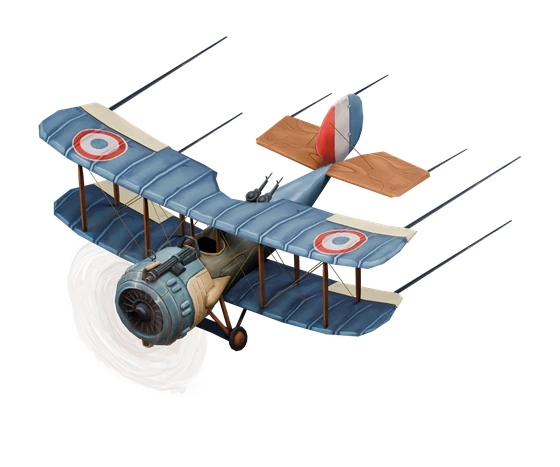
  • Built-in 3D objects

    Add objects and animated characters from the library.

  • Location markers & signs

    Label the places viewers should notice.

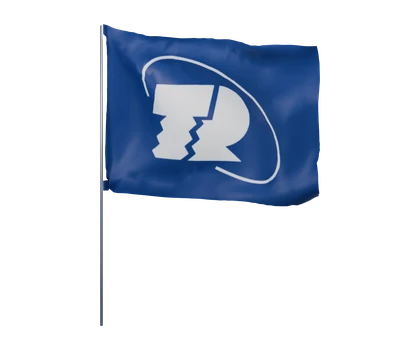
  • Animated flags

    Give destinations a recognisable country flag.

  • Country & territory outlines

    Show geographical boundaries around the story.

3D flag from the JJ Route Animator object libraryAnimated flags
Vintage biplane model from the JJ Route Animator 3D object library3D objects
Red 3D location marker from the JJ Route Animator object libraryLocation markers
Choose your camera movement

Features FAQ

Which clip types are available in JJ Route Animator?

The five clip types are Circling Around, Track Following, Point-to-Point, Zoom+ and Zoom-. These are the names shown in the application’s Clip types list.

When should I use Track Following instead of Point-to-Point?

Track Following moves the camera along a route. Point-to-Point moves it between chosen locations, with a camera height set for each stop. Choose Track Following when the path is the focus, or Point-to-Point when you want to connect key places.

Can I orbit a landmark and show an animated route in the same scene?

Yes. Circling Around orbits a selected place and can be combined with route animation. Adjust the orbit’s radius, height and direction to frame the landmark and the route around it.

What can I create with Zoom+?

Zoom+ moves from a broad map view to one selected place or object. Use the transition to reveal a destination at the start of a video or introduce the next location.

What is the difference between Zoom+ and Zoom-?

Zoom+ moves from a broad map view towards a selected place or object. Zoom- pulls back from a place to a wider view of the world. They are separate clip types, so choose the direction that fits the transition in your travel video.

Can I try different camera settings without losing my preferred version?

Yes. Save a version of the clip before experimenting. You can return to a saved scenario, including the one used for an earlier render. Preview the animation again after changing the camera or timing.

Make your travel videos
unforgettable

Give every journey a scene worth watching. Turn your route into an animated map, then make it part of your next video.

It’s almost ready! JJ Route Animator App is currently in beta-testing. If you’re a professional video blogger with a YouTube channel (or Instagram account, for example).

Please contact us and we’ll provide you with a working version of the App.