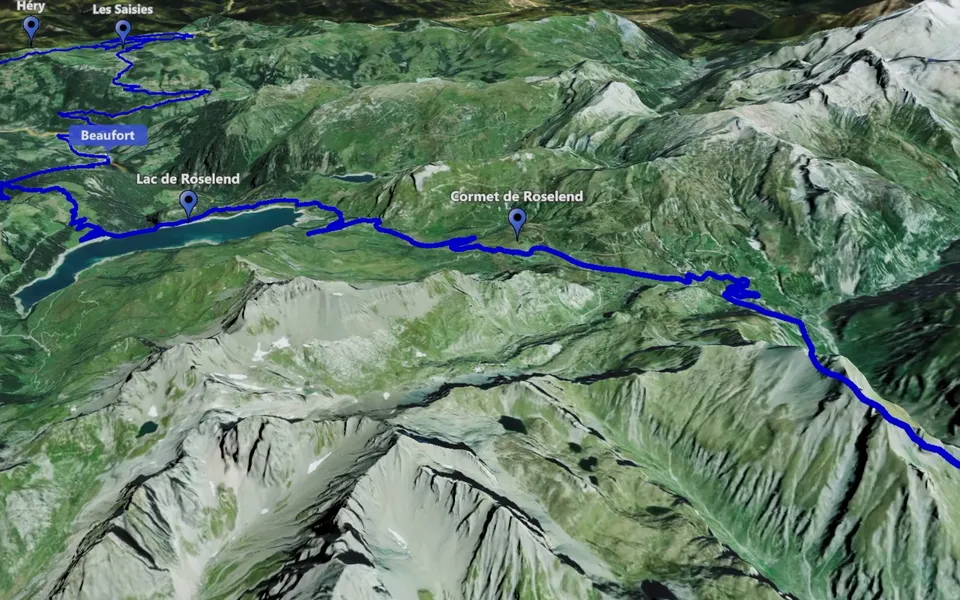
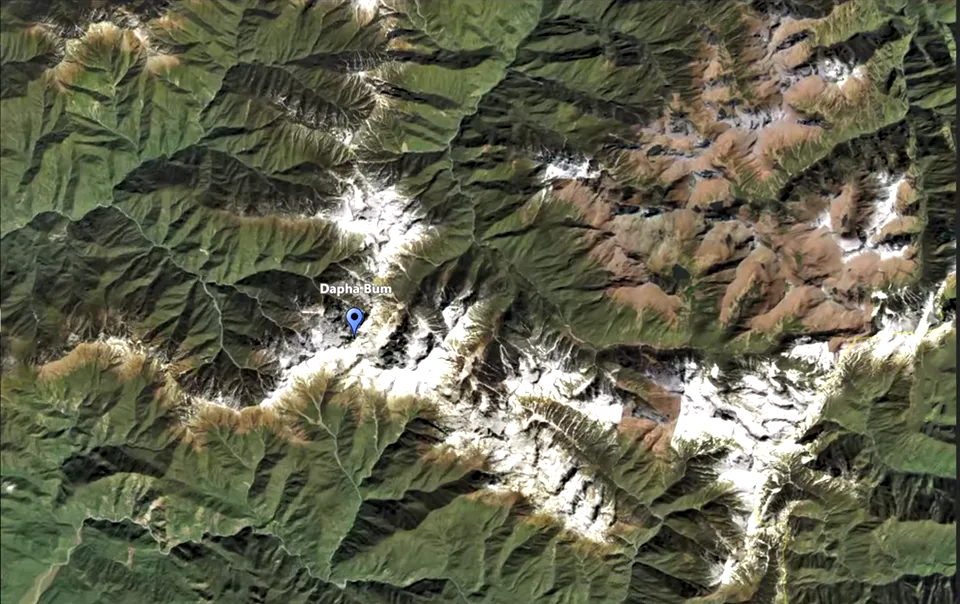
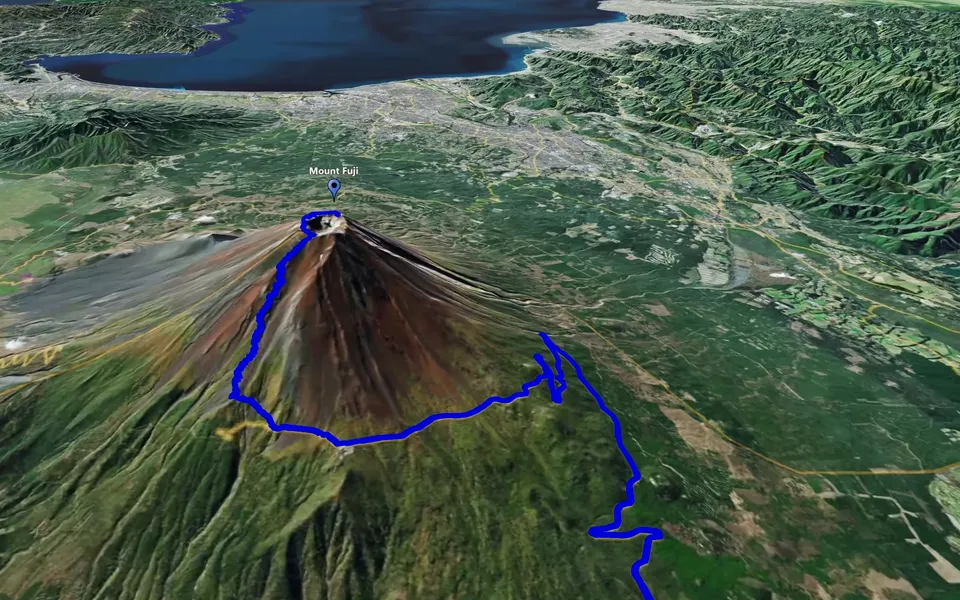
Use KML or KMZ files when your routes and places are already prepared. Import them into an Event, check the geography and then decide how the camera should present it. This is an additional workflow alongside the app’s built-in route building.
Start with the route and points you need
Gather the KML or KMZ files that describe the part of the trip you intend to show. Decide which route and places belong in this scene before importing more data. A concise Event makes it easier to choose the objects for the first clip.
The full guide demonstrates an external preparation workflow. You can also search for places and build a route inside JJ Route Animator; use the first-route tutorial when you prefer to prepare the geography in the application.
Import the files into an Event
- Create or choose an Event for the trip.
- Import the prepared KML or KMZ tracks and points.
- Check that the expected objects appear in the Event list and on the map.
- Create a clip of the type that suits the scene.
- Check point visibility and track activity inside the clip.
Check the imported map before tuning the camera. Confirm that the route and points describe the intended journey and that the locations you need are present. If the geometry is not the one you meant to use, correct that first rather than hiding the mismatch with a camera view.
Choose what the camera should explain
Use Track Following when the route is the subject. Use Point-to-Point when selected places define the story. Use Circling Around to give one location its own view.
An imported point is not automatically a camera key point, and an imported track still needs the appropriate activity setting when you want it to animate. Review those choices in the clip rather than relying only on the objects appearing in the Event.
Preview before creating the video
Play the camera sequence and check that the intended track and markers are visible. Confirm that they support the same explanation. Save a useful version, then follow the export workflow to create and check the video.
This guide covers KML and KMZ. Keep the file preparation and camera setup as separate stages: first confirm the geography, then decide how to show it.