Create Animated Map Routes For Your Travel Videos In Minutes

JJ Route Animator is a route animation maker for travel videos. Build your route, animate the map and export a clip for your next edit.

What can the app do?

Look at your journey from a different perspective!

Create 3D map videos with JJ Route Animator. Explore different camera views and turn your journeys into visual stories. Explore the four clip types below to see what you can create and export from the app.

Explore all features
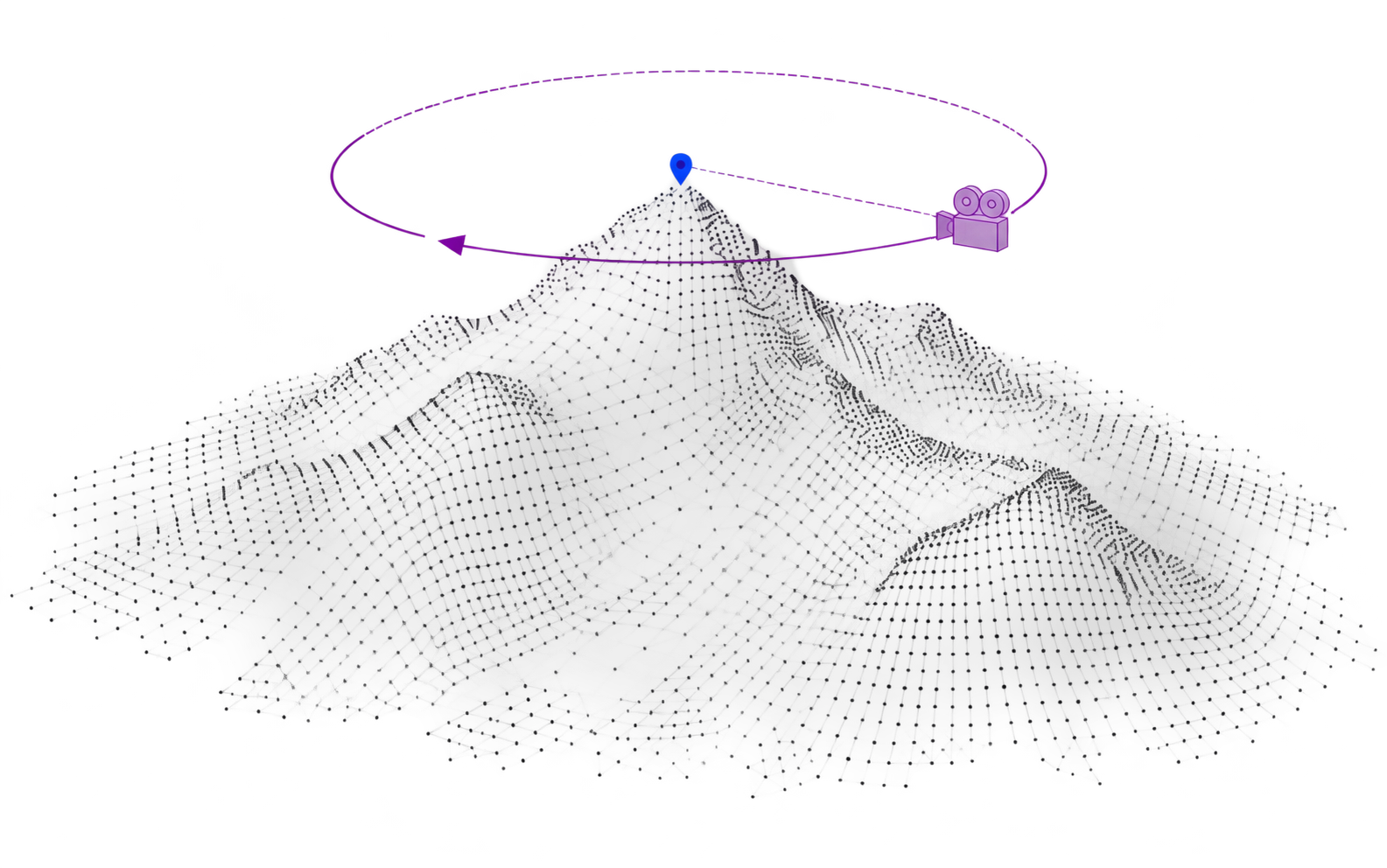
Gray point-cloud mountains with a translucent purple movie camera circling a blue summit marker

Circling Around

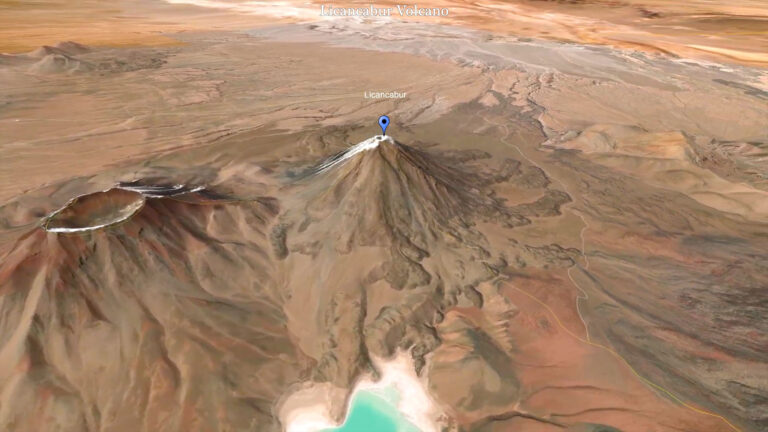
Give a mountain, island or landmark a moment of its own. Circling Around carries the camera around your chosen place, revealing its surroundings from changing angles. Use the orbit to introduce a destination or let an animated route show how the journey reaches it.

Learn more
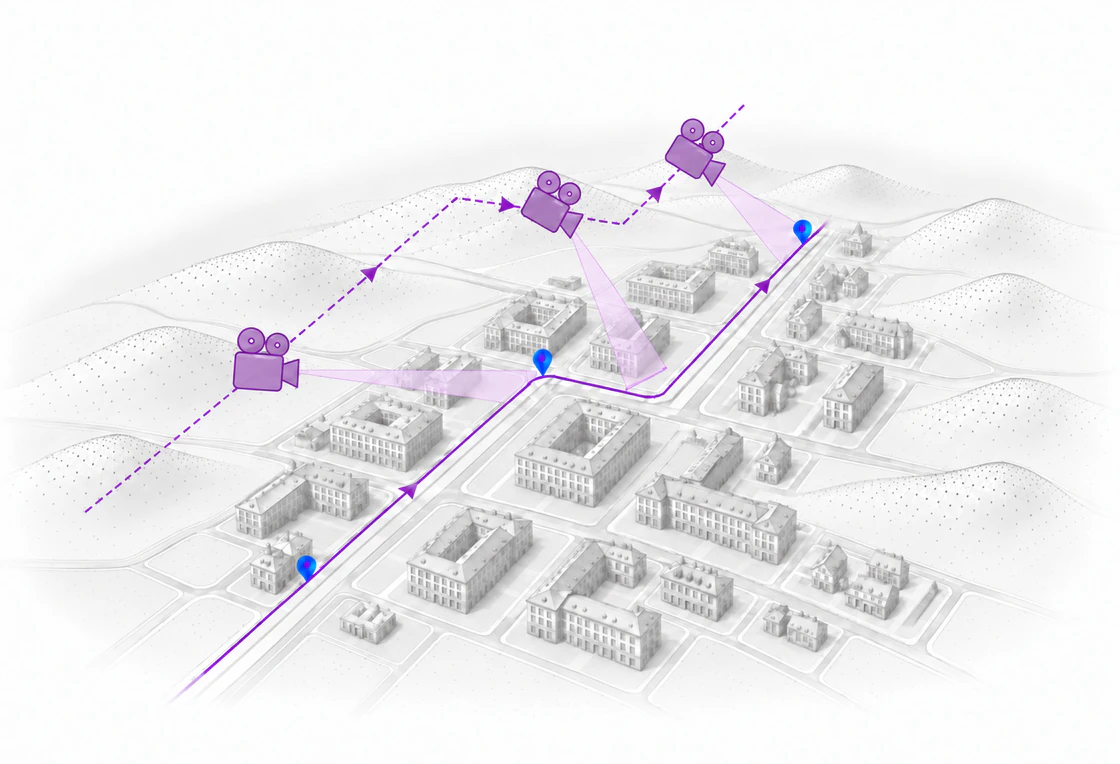
Three purple cameras follow an elevated path parallel to a city route, with viewing cones showing Track Following camera movement

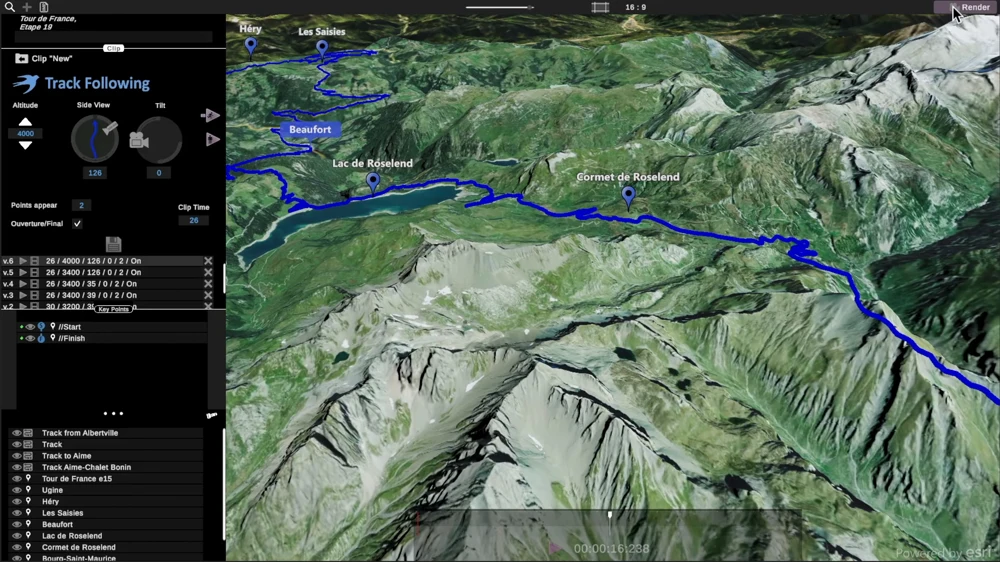
Track Following

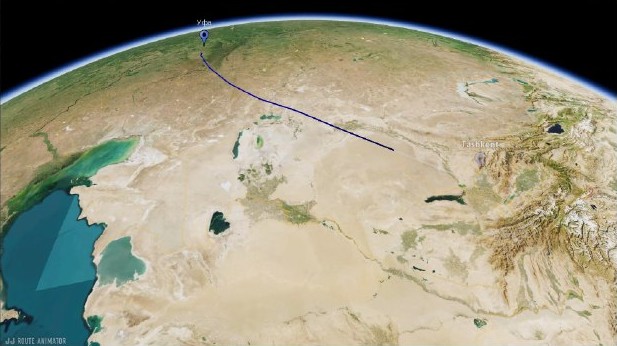
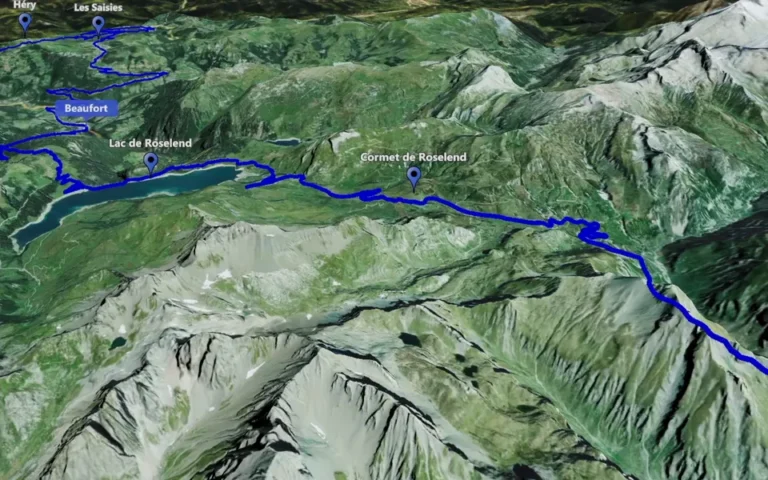
Let viewers travel with the route as the camera follows its course across the map. A winding road, a trail through the mountains or the next stretch of a longer trip becomes easier to follow. Use the sequence to connect your footage and explain the journey between stops.

Learn more
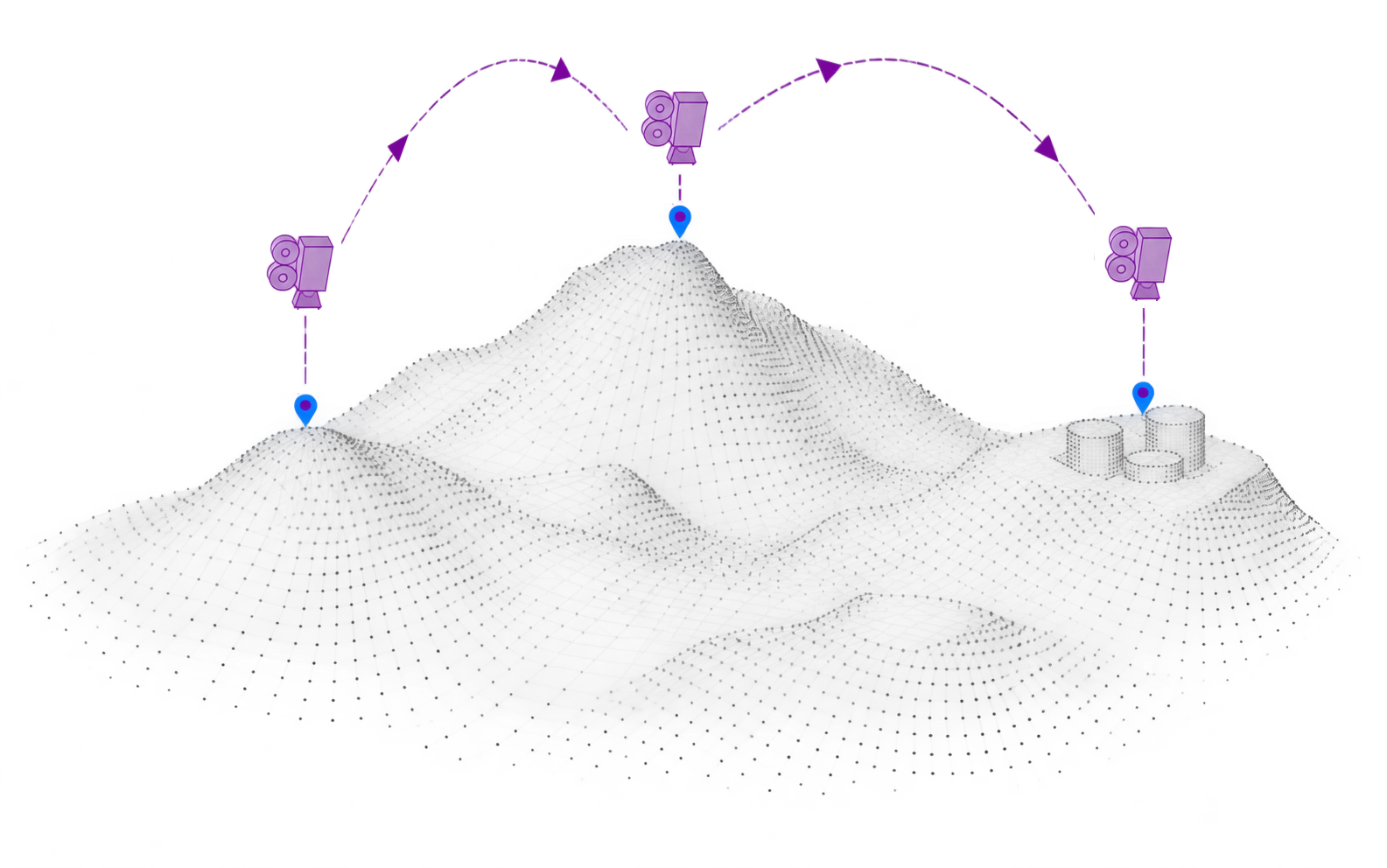
Gray cartographic mountains with three purple cameras moving between blue markers along dashed rising and descending paths

Point-to-Point

Move from one meaningful stop to the next with a camera sequence built around selected places. Point-to-Point gives each location its own view, helping viewers understand where the story is heading. Use it for an itinerary overview or to link chapters filmed in different destinations.

Learn more
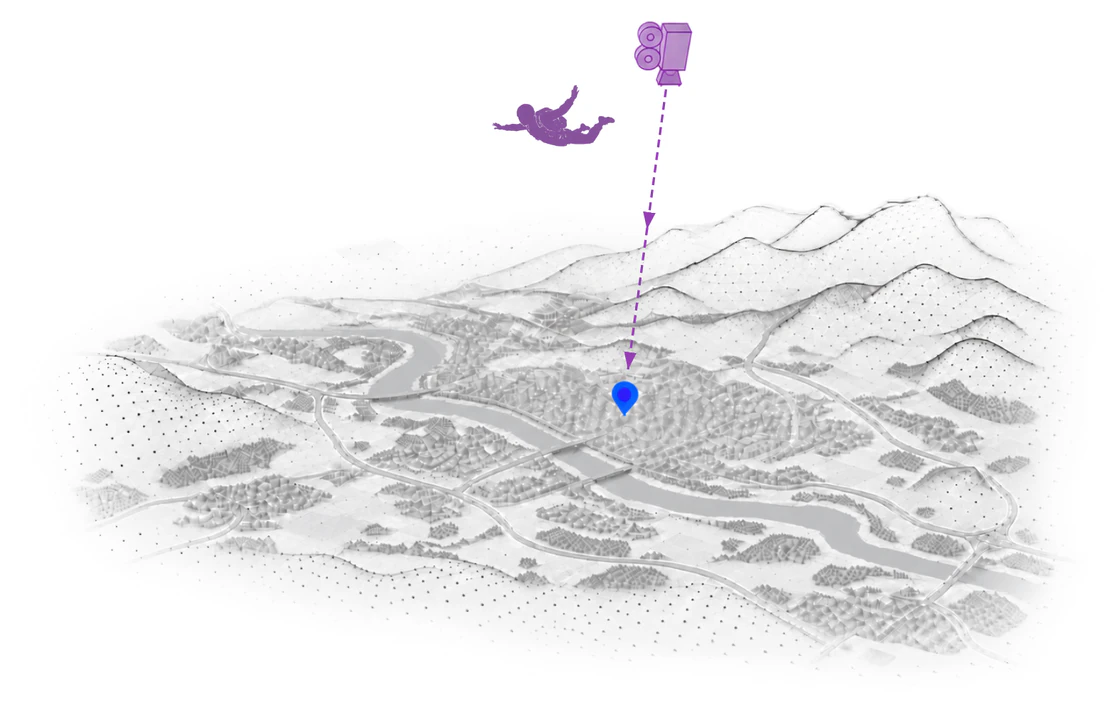
A purple camera and skydiver descend toward a blue city marker above a soft gray map of rivers, roads and hills

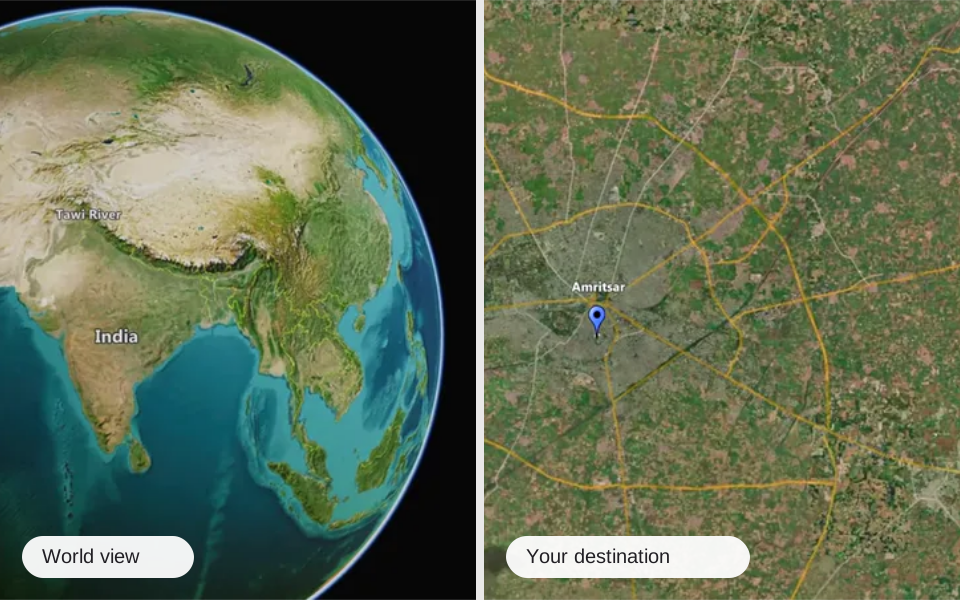
Zoom

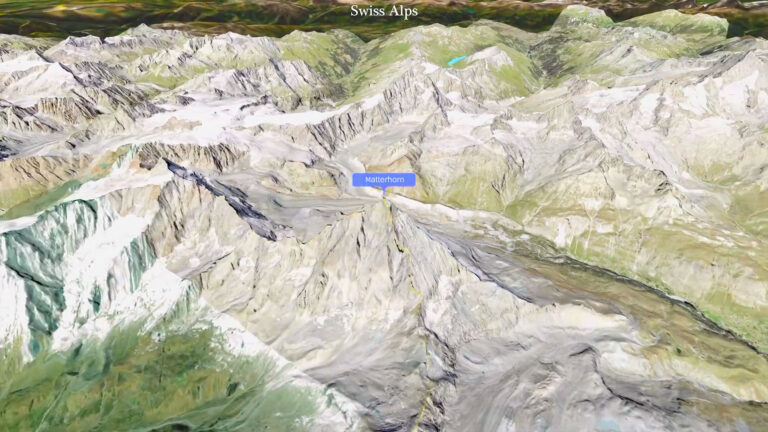
Bring a place into focus or reveal the wider world around it. Use map zoom animation to introduce a destination, close a travel chapter or connect a specific location with its geographical context before moving into your own footage.

Learn more
About the project

A world of route animation

JJ Route Animator is a desktop app for 3D map videos. Bring routes and landscapes to life, and turn your journeys into stories.

01 / 05

Circling Around

Orbit a landmark and reveal the place around it.

Learn more

Use the Left and Right arrow keys to change the view.

How do you create it?

How to create an animated route map

Start with a route or a single place. Explore the basics below, then find detailed guides to route building, clip types and video export in Tutorials.

Explore tutorials
  1. Find your places

    Search for locations and build your route inside JJ Route Animator.

  2. Choose the camera movement

    Follow a route, orbit a landmark, fly between locations or zoom in from the world map. Adjust the view and preview your animation.

  3. Export your video

    Create a 4K clip in a horizontal or vertical format, ready for your video editor or social feed.

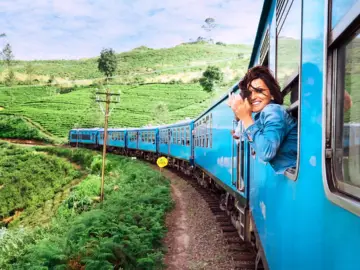
  • Traveler on a blue train through green hills
  • Four friends with backpacks on a mountain summit
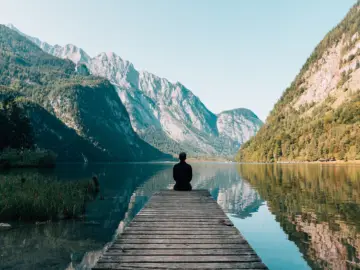
  • A quiet jetty on a mountain lake
  • Friends enjoying a desert road trip in a convertible
  • Aerial view of Dubai's coastline
  • Traveler taking a selfie beside a turquoise mountain lake
  • Traveler with a camera beside a sunny harbor
  • White buildings above a blue island bay
  • Friends planning a trip over coffee with a map and camera
  • Rice terraces and palm trees
  • Friends enjoying a beach day with a camera
  • The Colosseum in Rome
  • A hiking couple taking a selfie by a mountain lake
  • Traveler visiting a white palace
Made by creators using JJ Route Animator

Travel vloggers using JJ Route Animator

See how travel creators use animated maps and routes to show where their stories unfold.

Explore video
Before you begin

JJ FAQ

Find answers about getting started, creating routes, the 14-day trial and desktop compatibility.

FAQ
Do I need video editing experience?

No. JJ Route Animator is designed for professional editors, bloggers and hobbyists. Start with a route and a camera mode, then refine your animation as you go.

Can I create the route inside the app?

Yes. Search for places and build your route directly in JJ Route Animator.

Is there a free trial?

Yes — try JJ Route Animator free for 14 days. Download the app to get started, or explore subscriptions.

Is JJ Route Animator a desktop or mobile app?

JJ Route Animator is a desktop app for Windows and macOS only. It is not a mobile app for iOS or Android. See the download page for system requirements.

Your next animated route.
Make it in minutes.

Try JJ Route Animator free for 14 days.

Download & start free
Video example

It’s almost ready! JJ Route Animator App is currently in beta-testing. If you’re a professional video blogger with a YouTube channel (or Instagram account, for example).

Please contact us and we’ll provide you with a working version of the App.