An animated map can answer a question before the next scene begins: where are we going, how did we get here, or what makes this destination worth a closer look? Use route and location clips to give your YouTube travel story a clear sense of place.
Open with a destination
Imagine an opening that moves from a broad map view to the place where your first scene was filmed. The map supplies the geography; your footage supplies the experience. A short Zoom+ clip can introduce that setting before a walking shot, a first view of the landscape or the start of your narration.
Choose a destination that also appears in the next scene. If the map arrives at a city but the footage begins at a distant landmark, the connection may be harder to follow. The most useful introduction prepares the viewer for exactly what comes next.
Use the map when the story changes location
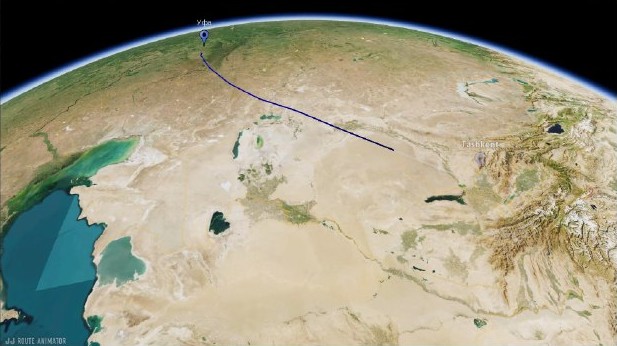
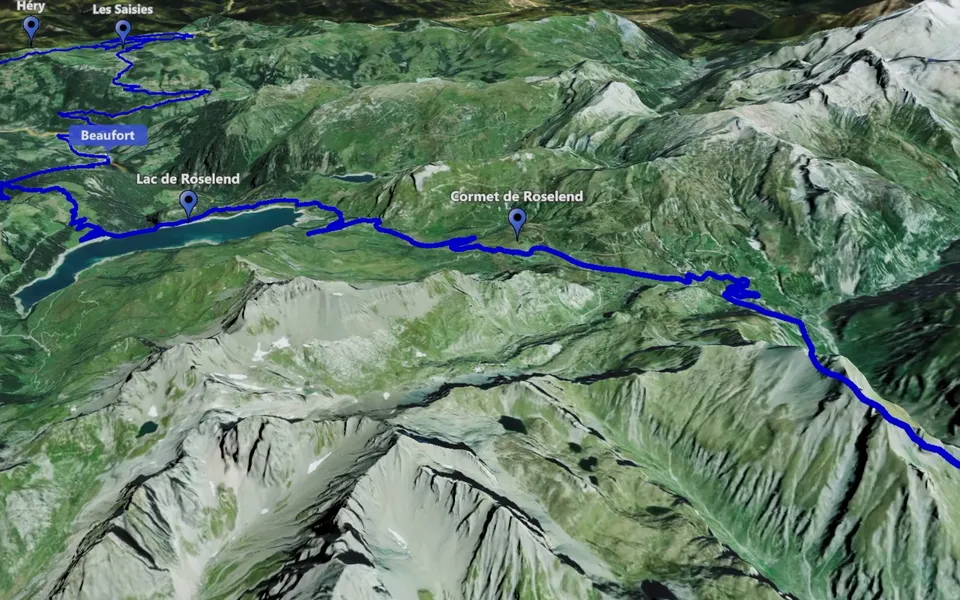
A journey can become confusing when the edit jumps between unfamiliar places. Track Following makes the route visible, while Point-to-Point connects selected locations with camera movement. Use the former for a stretch of travel and the latter when the important information is the sequence of stops.
You do not need a map between every two shots. Place it at a real change of location or at the start of a chapter. Let the audience return to your footage once the geographical connection is clear.
Give one location more attention
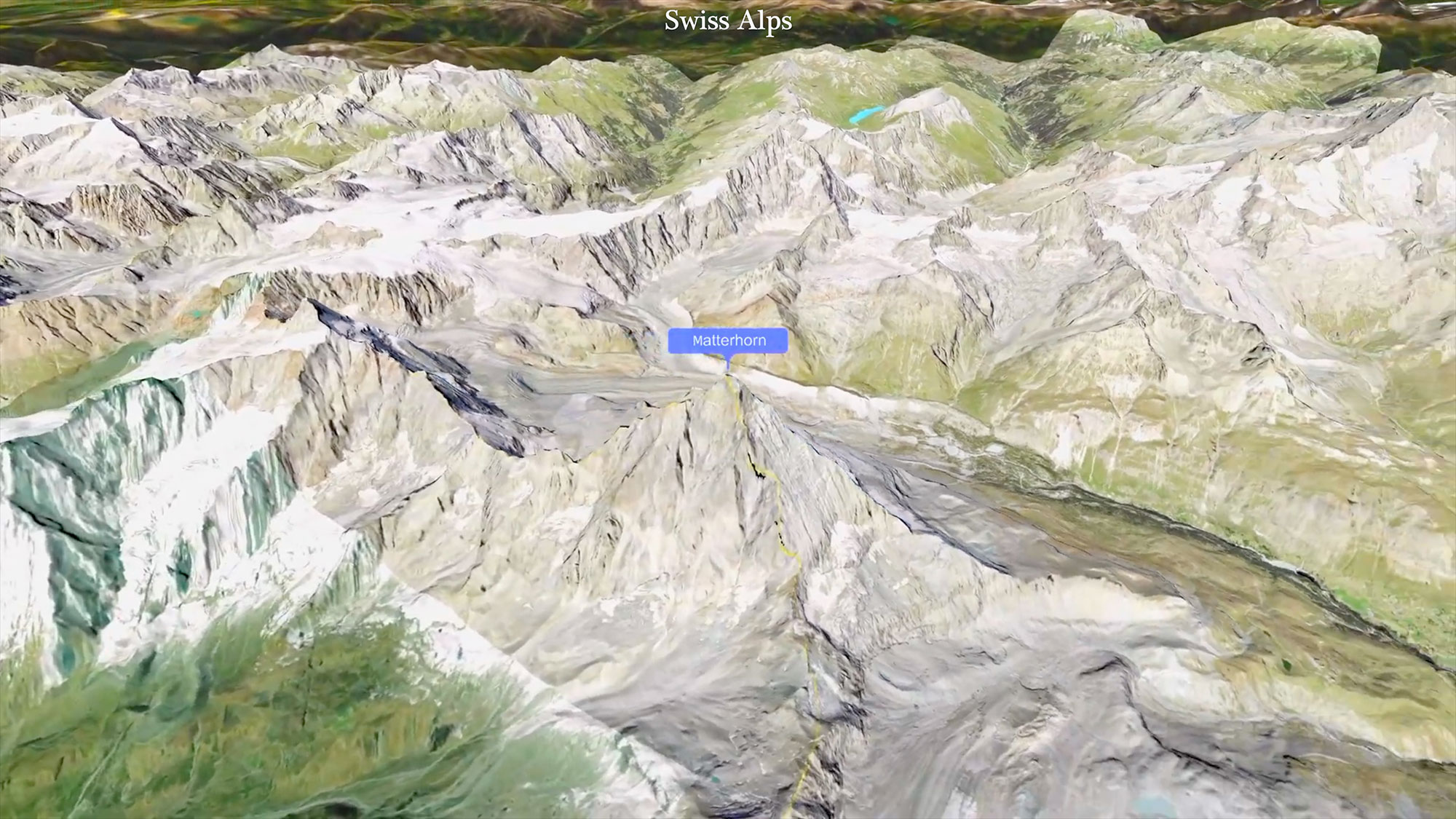
The Licancabur example above is a finished location clip that can be watched on its own. In a travel edit, this kind of map scene can also introduce a destination before footage recorded there. Circling Around is the clip type for a changing viewpoint around a selected place.
Build a short sequence around three roles: establish the destination, explain the journey and reveal the place. Choose only the roles your episode needs. Then follow the travel video workflow to combine the map clips with your footage.