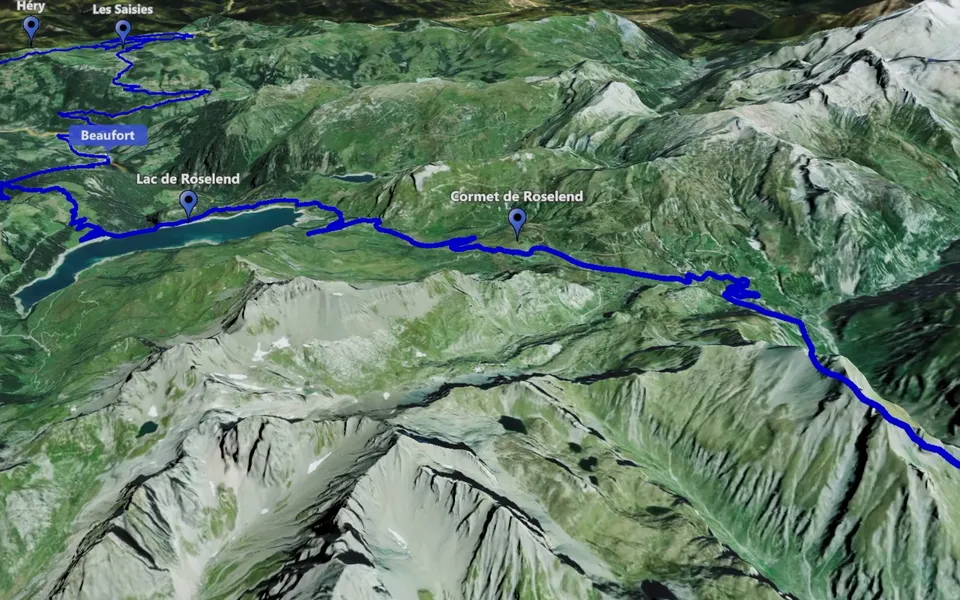
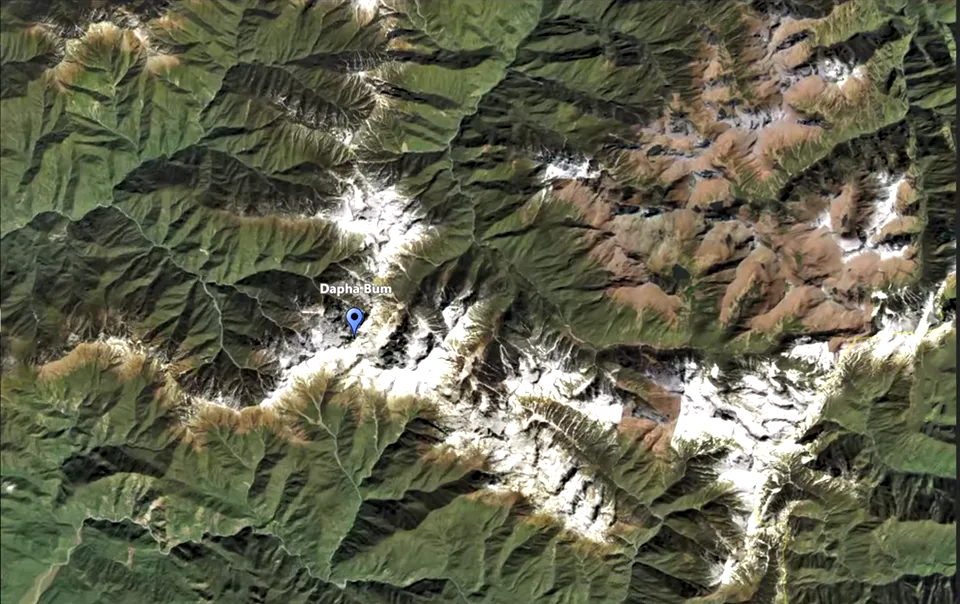
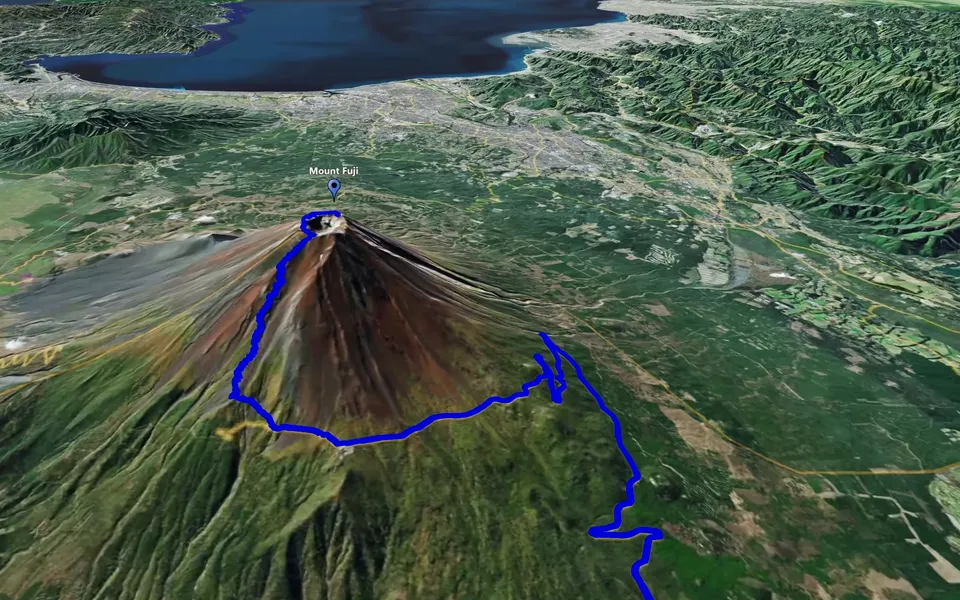
Prepare the map animation in JJ Route Animator, then bring the finished video into Premiere Pro with the rest of your media. The useful choice comes before import: decide what the map should explain in the sequence.
Create a map shot for the sequence
For a journey between scenes, prepare a Track Following clip. For an opening that locates the destination, use a map zoom. Give the animation a clear opening and a closing view that introduces the following footage.
Create the finished video and watch it outside the editing project first. Check the route, markers and camera, following the export review. Keep that file with the source media for the project.
Import the video into Premiere Pro
Use File > Import to choose the finished video, or drag it from Explorer or Finder into the Project panel. Adobe describes both methods in its guide to importing files.
Place the imported clip in the sequence at the point where geographical context is needed. Watch it between the neighbouring shots before choosing its final length. If the route arrives before the narration reaches the destination, adjust the edit so the spoken and visual explanations work together.
Check the map in the actual sequence
Review framing at the sequence dimensions. An animation prepared for a different aspect ratio may need a different export or a considered framing choice. Pay attention to markers and route sections near the edges.
Trim the beginning and end around the information the viewer needs. If the map contains distinct plans made with breaking points, split the video into the sections that fit the story. Retain the full original file so other sections remain available.
Review the completed travel sequence
Watch the map and footage together at normal speed. Check that place names, movement and narration agree, then view a short exported section at its intended size. For a broader plan, follow the travel video workflow.