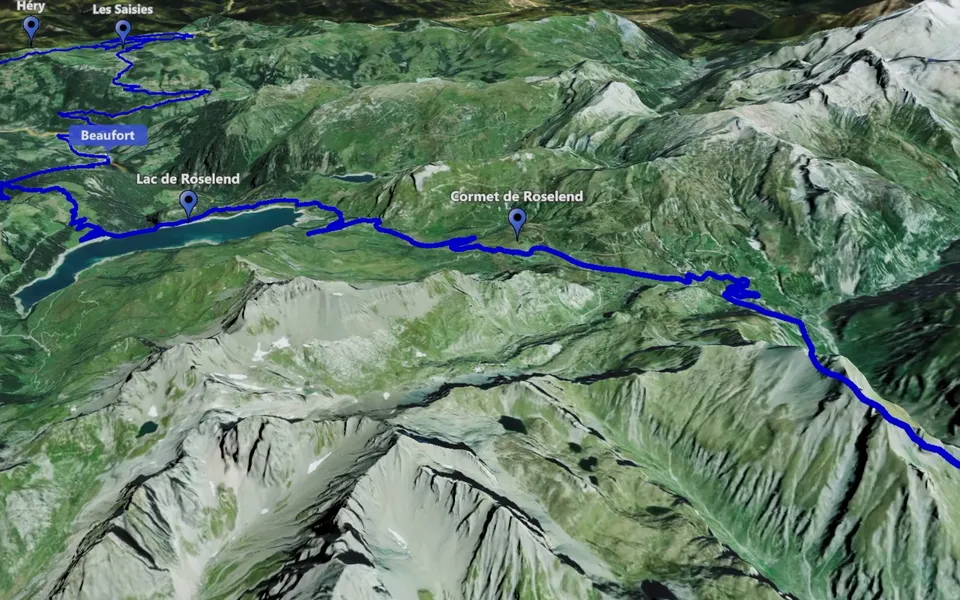
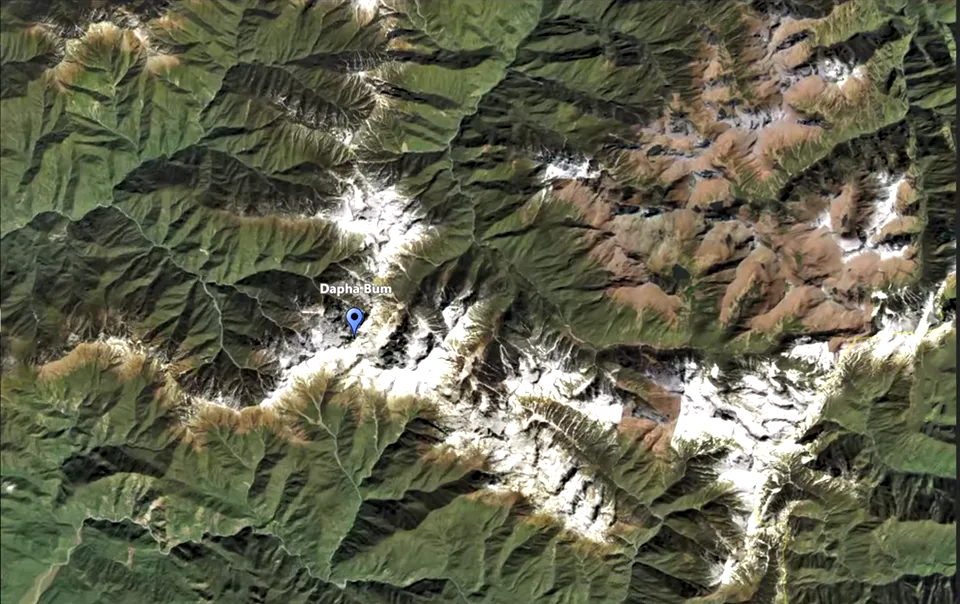
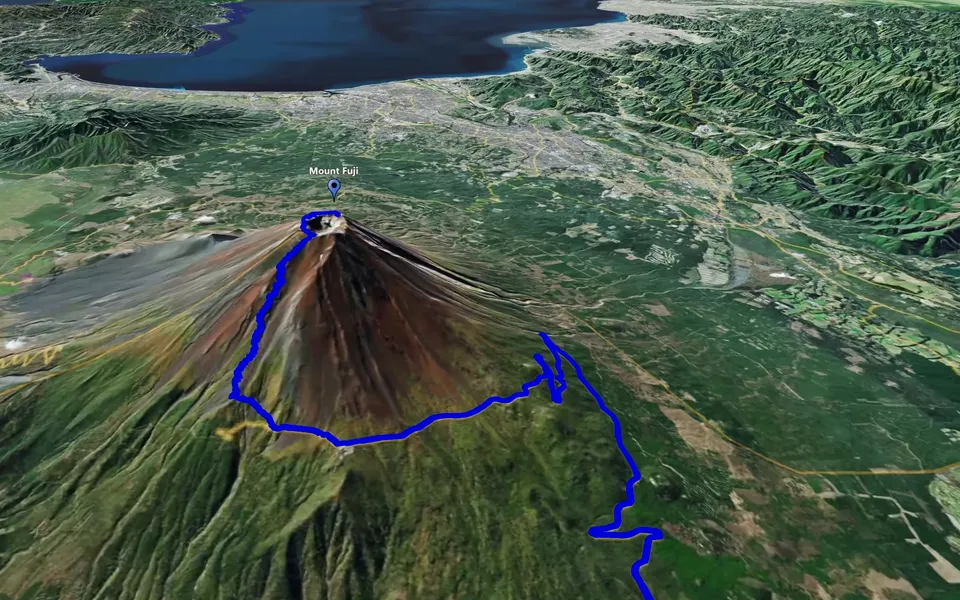
Use a finished map video to give your DaVinci Resolve edit geographical context. Prepare the camera movement in JJ Route Animator, check the rendered file and place it where it helps the audience understand the journey.
Choose a geographical transition
An edit may need a map because two shots were filmed far apart, because the path matters, or because a landmark needs an introduction. Choose Point-to-Point for selected locations, Track Following for a route, or an orbit for a sustained location view.
Prepare a video file with a beginning and ending that fit the intended cut. The export tutorial explains what to check before bringing it into the edit.
Add the video to the Media Pool
Find the finished video on your drive and drag it into the Media Pool. This is the import approach described on Blackmagic Design’s DaVinci Resolve Edit page.
Use the imported clip in the timeline with your destination footage. Begin with a simple sequence: footage from the first place, the map connection, then footage from the next. Watch that sequence to decide whether the map supplies enough context or stays on screen longer than the explanation needs.
Review the map at timeline size
Check the relationship between the map video and the timeline frame. Route lines and labels need to remain readable after framing changes. If the intended output is vertical, review that composition from the start rather than relying on the landscape view.
An orbit can introduce the next scene, while a zoom can move the viewer from wider context to the destination. Keep the important closing view visible long enough for the transition into footage to make sense.
Check the finished section
Play the full section in context and inspect a rendered sample. Compare the map with adjacent shots for framing and pace. If one file contains several useful plans, cut it into the required sections and keep the source render intact.
For a complete story, see how to make a travel video with animated maps.