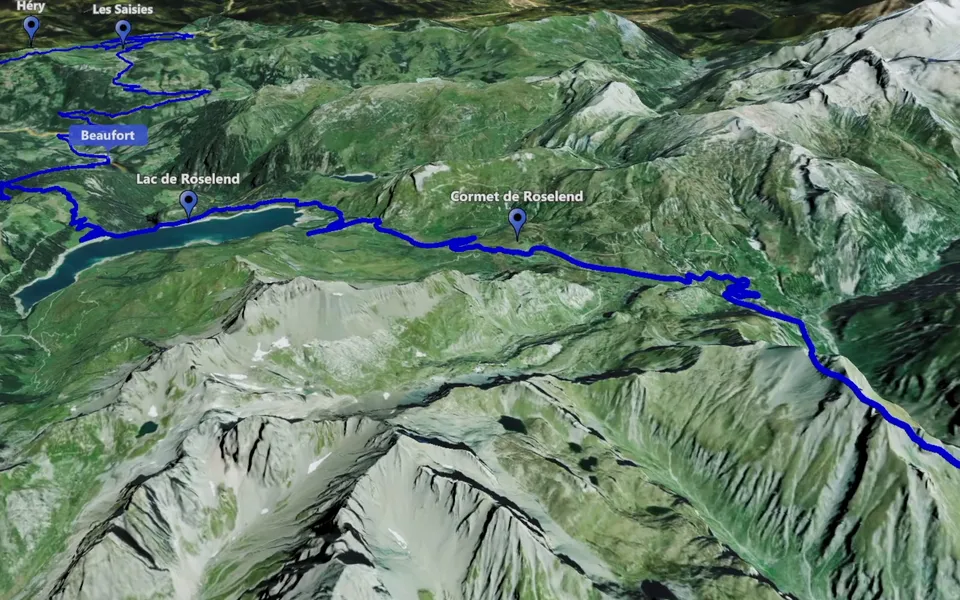
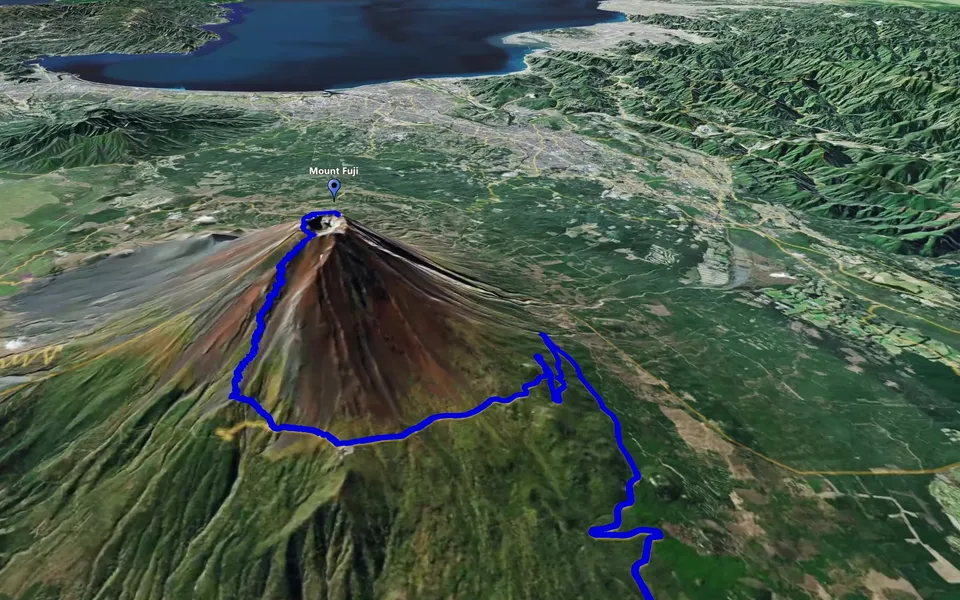
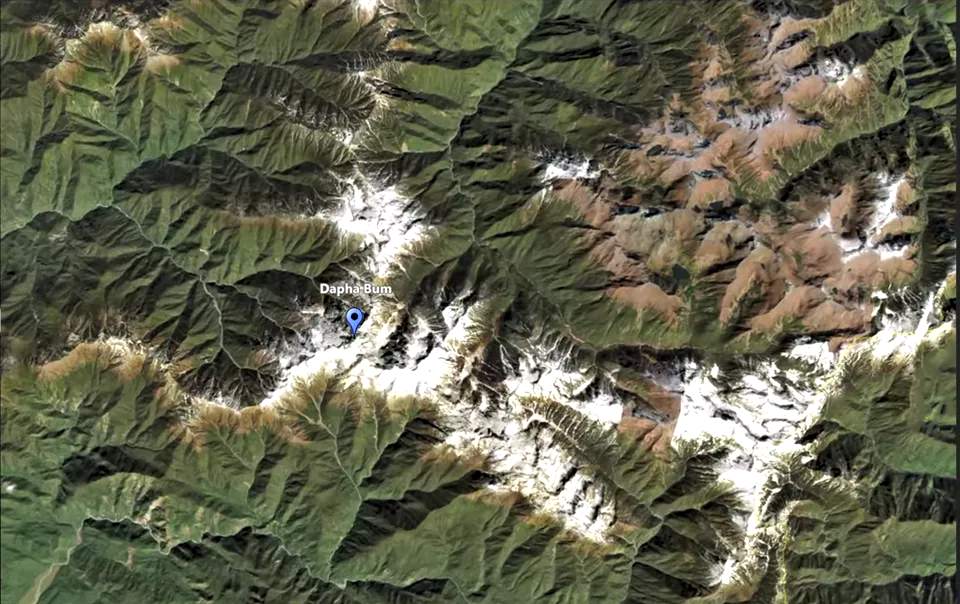
Use a map zoom to connect a broad geographical view with the place your video is about. Plan the destination, choose the direction of the movement and review the transition together with the footage that comes before or after it.
Choose the direction for the story
The New Clip choices include Zoom+ and Zoom- as separate types. Zoom+ brings the view towards a destination; Zoom- pulls back to reveal wider context. Choose the direction according to the scene: an introduction can arrive at a place, while the end of a location chapter can return to the broader journey.
Keep the destination specific. A city may be the right subject for a chapter introduction; a landmark may be more useful when the next shot focuses on that location. A clear endpoint gives the movement a purpose.
Plan the wide and close views
Think about what the audience knows before the transition. The broad view should provide enough context to place the destination, and the closer view should connect naturally to the next scene. Decide what viewers must recognise by the time the movement finishes.
Review the duration alongside narration or surrounding footage. A transition can be brief and still communicate clearly if the destination remains visible long enough. More movement does not necessarily add more information.
Review the complete transition
- Check that the chosen destination is the subject of the neighbouring scene.
- Watch the start and finish as well as the movement between them.
- Review the composition in the intended aspect ratio.
- Give the final view enough time to register before the next cut.
Compare the transition with its intended role in the edit. For an introduction, the movement should make the arrival easy to understand. For a closing view, the wider setting should add context to the place the audience has just seen.
Create the video and place it in the edit
Save the version you want to keep, create the video and check the resulting file using the export guide. Use the zoom where it makes the change of place clearer, then let your footage carry the story.
For several destinations, consider Point-to-Point. For changing viewpoints around one location, use Circling Around. See Map Zoom Animation for the role of both directions.