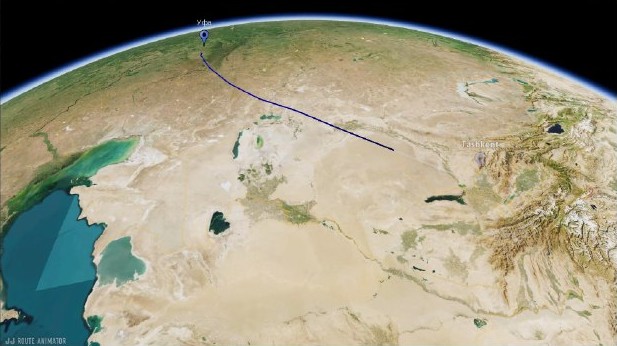
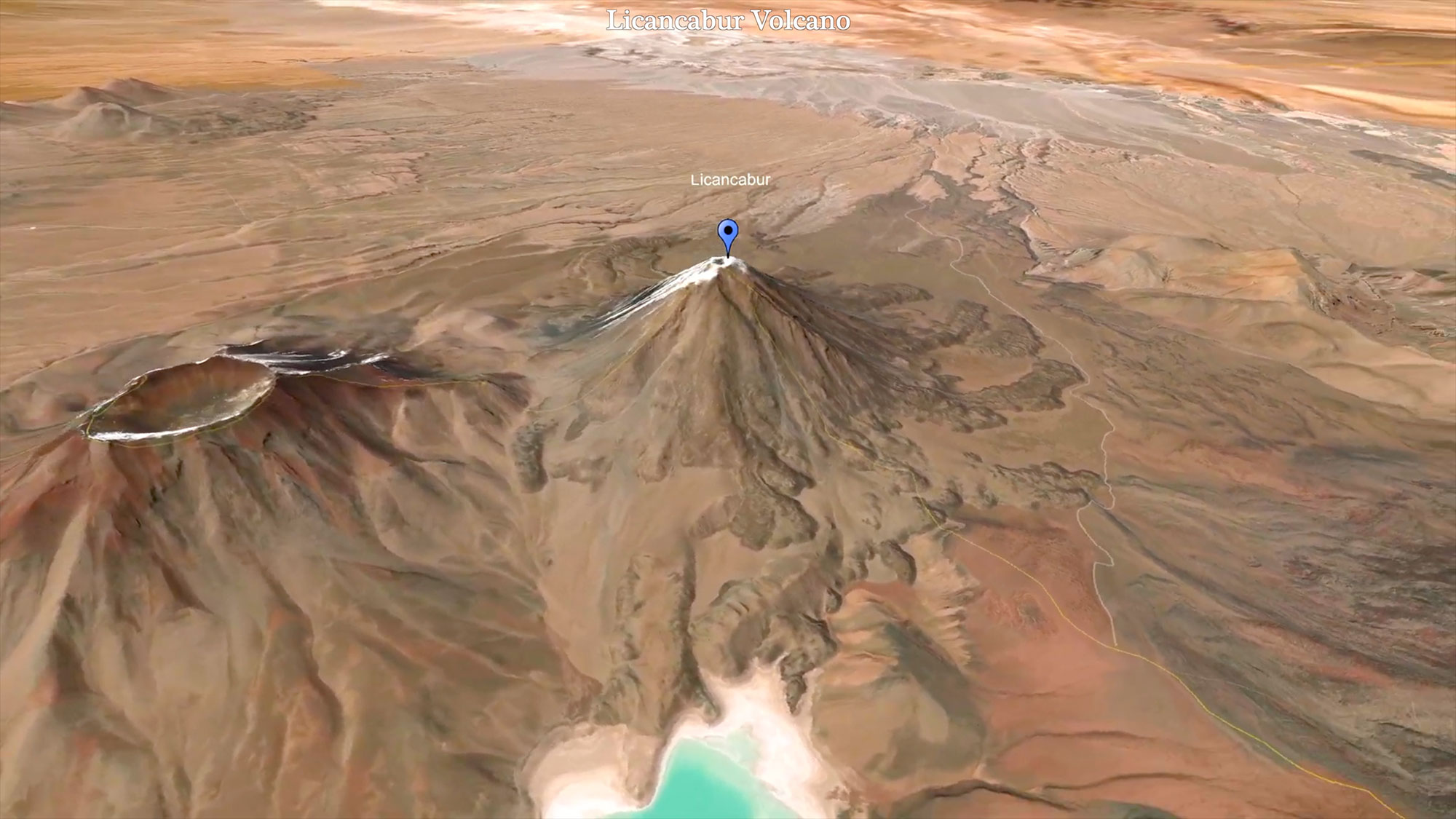
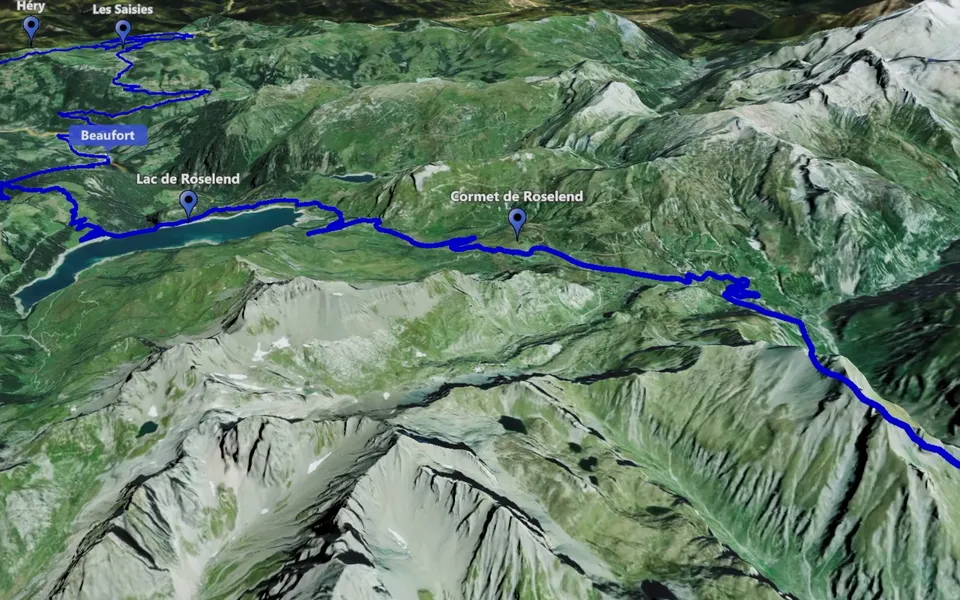
A vertical map video works best when one geographical idea remains easy to read: a route to a destination, a closer look at a landmark or a zoom that introduces a place. Plan the camera movement for the tall frame from the beginning.
Choose one idea for the short video
A short destination introduction can begin with a broad map and finish at the place shown in your footage. A route story can concentrate on one leg of a journey. An orbit can give a landmark the whole scene. Pick the movement that explains the subject without asking the viewer to follow several unrelated ideas.
For a route, use Track Following. For one destination, explore a map zoom or a location orbit. Choose according to what the viewer should notice.
Compose for the tall frame
Horizontal and vertical views give a route different amounts of space. Check the complete movement in the format you intend to use. A long sideways journey can approach the edges of a tall frame, while a single location may stay easier to recognise.
- Keep the destination visible through the important part of the shot.
- Review markers at a small viewing size and remove information that does not help the story.
- Leave time to recognise the final view before cutting to your footage.
Watch the entrance, movement and finish together, then review it alongside any text or narration you add in your editor.
Create and check the vertical file
JJ Route Animator offers vertical and horizontal output among its aspect-ratio choices. Use the export workflow to prepare the selected version and check the finished video. The full-guide excerpt above shows the output-format discussion; it is not a dedicated Reels or Shorts demonstration.
Combine the map file with your own footage in your editor, watch the whole sequence at phone size and make sure the geographical idea remains clear from the first shot to the last.