Connect the places that make your journey memorable. Point-to-Point in JJ Route Animator creates a map animation between selected locations, flying the camera from one stop to the next while keeping its view directed downwards. Bring cities, landmarks and destinations together in a travel story your audience can follow.
Connect the highlights of your journey
A trip is often remembered through its key places: the city where it began, a landmark along the way and the destination at the end. Point-to-Point connects those moments with camera flights across the map, showing where each chapter of your journey takes place.
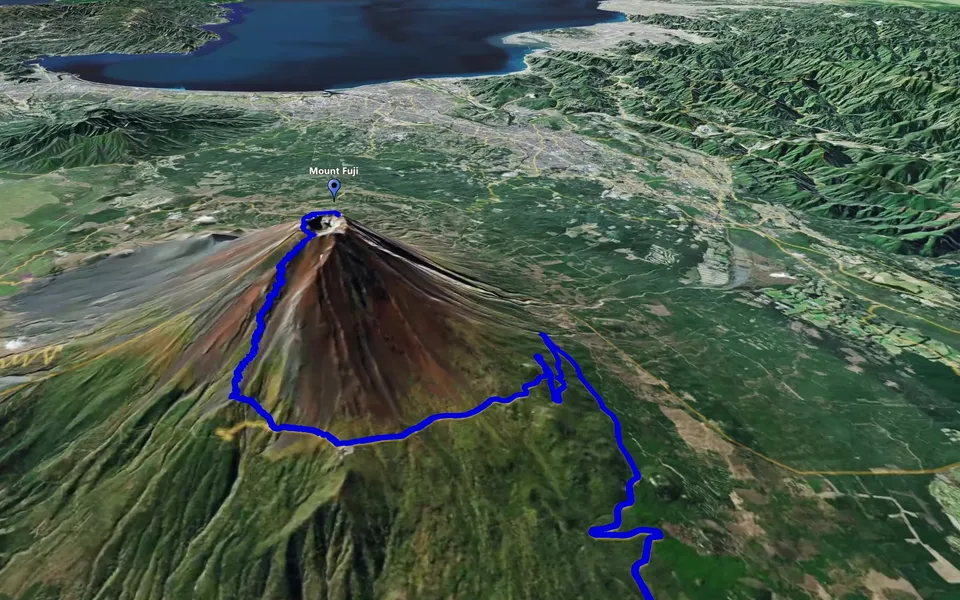
Introduce the cities on a road trip or connect the islands you visited during a holiday. For a hiking film, show the starting town, the trailhead and the summit as separate stops, giving the adventure a place on the map. You choose the locations that tell your story.
In a travel vlog, a camera flight can bridge chapters filmed in different places, helping viewers understand the change of location and the distance travelled. Open with an overview of the trip, introduce each destination before its footage or bring your favourite stops together in a closing sequence. The same animation can become a short travel story for your blog or social channels.
Move from a local view to the whole globe
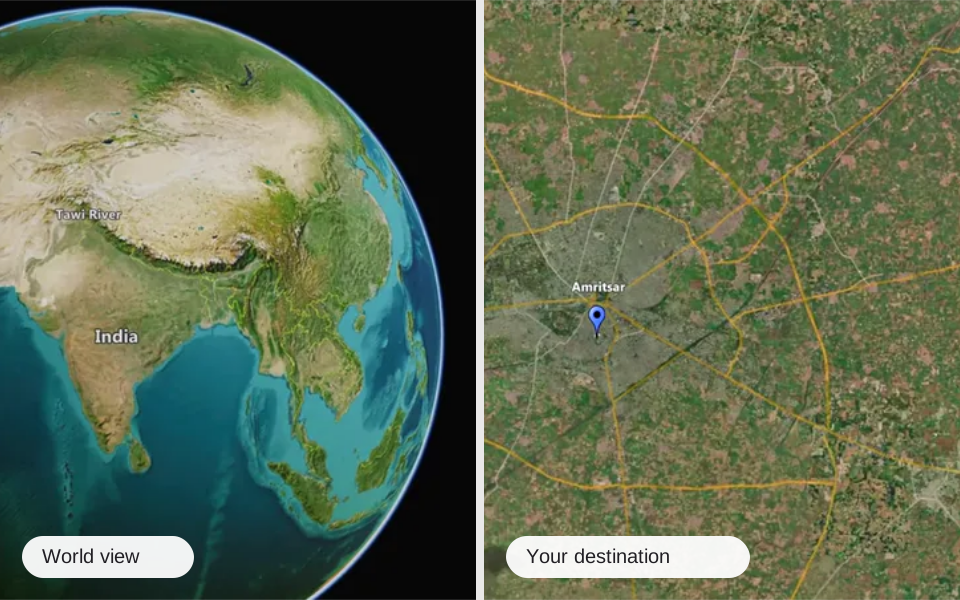
Each stop can have its own camera height. A closer view gives a landmark more presence, while a wider view reveals its surroundings. The camera rises more prominently between places that are farther apart, giving the movement a sense of the distance travelled. A high viewpoint can reveal the entire globe and place your journey in a much broader setting.
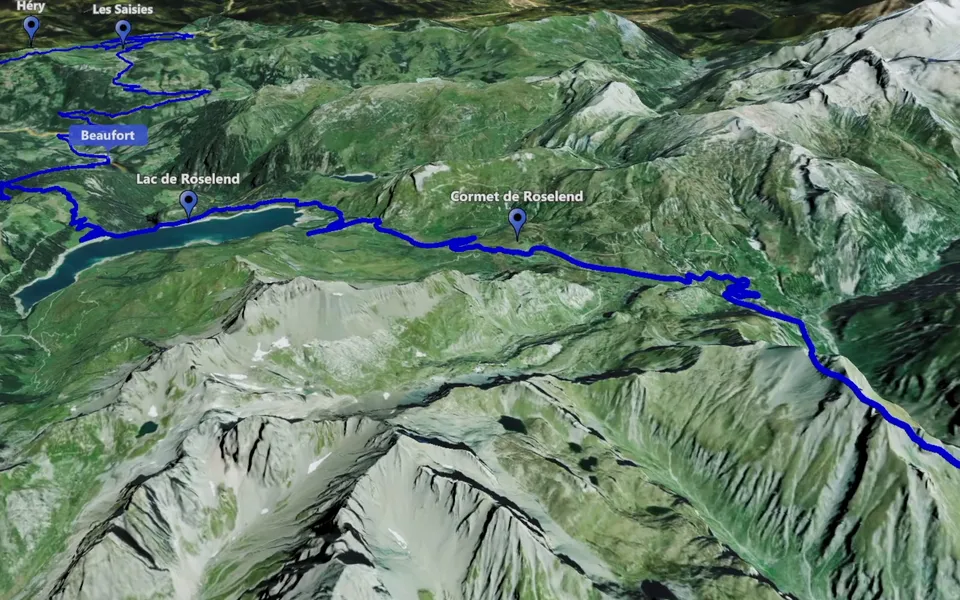
An animated track can accompany the camera flight when the route passes near the selected key points. For a journey suited to both approaches, you can switch between Point-to-Point and Track Following, presenting the same places through different camera movements.
Save versions of your camera sequence as you explore different views. You can return to a favourite setup or the version used for an earlier export, making it easier to keep a successful sequence while trying another approach.