
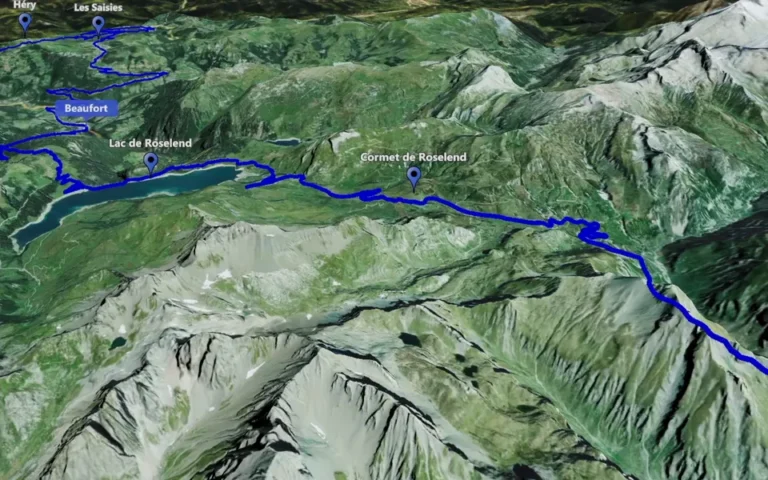
Travel map animation
Create animated travel maps with Track Following. Follow a route across a 3D map and shape the view for your next travel video.

Build your route, choose the camera movement and add the details that matter. Create an animated route in minutes, then export a map video for your next edit.
Follow a route, orbit a place, connect locations, zoom in from the world or animate an air journey. Choose the feature that brings your travel story to life.
Create animated travel maps with Track Following. Follow a route across a 3D map and shape the view for your next travel video.
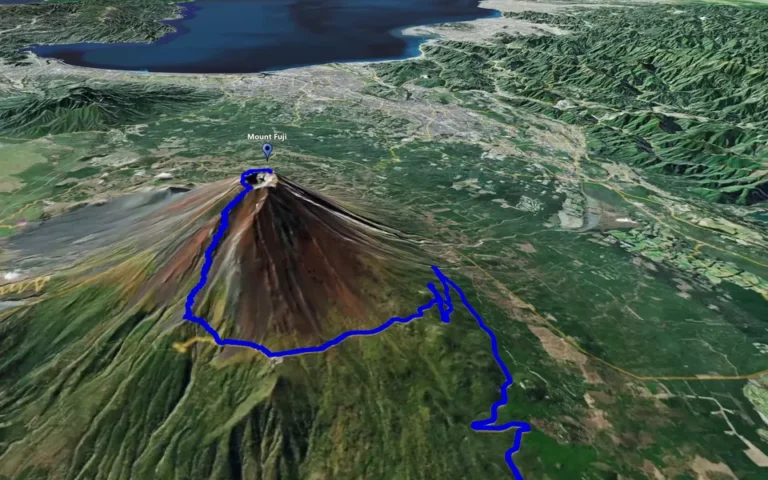
Create 3D map orbit videos with Circling Around. Frame a landmark, refine the camera movement and show an animated route in the same scene.
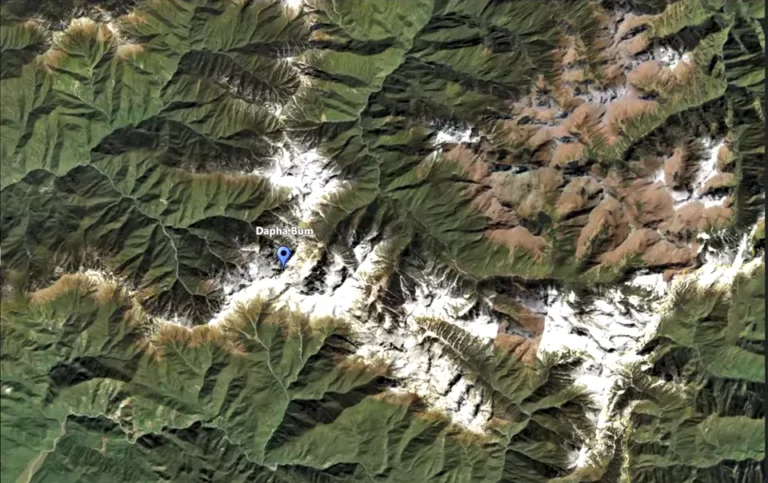
Connect selected locations with Point-to-Point map animation. Set camera heights at key places and create transitions for your travel video.
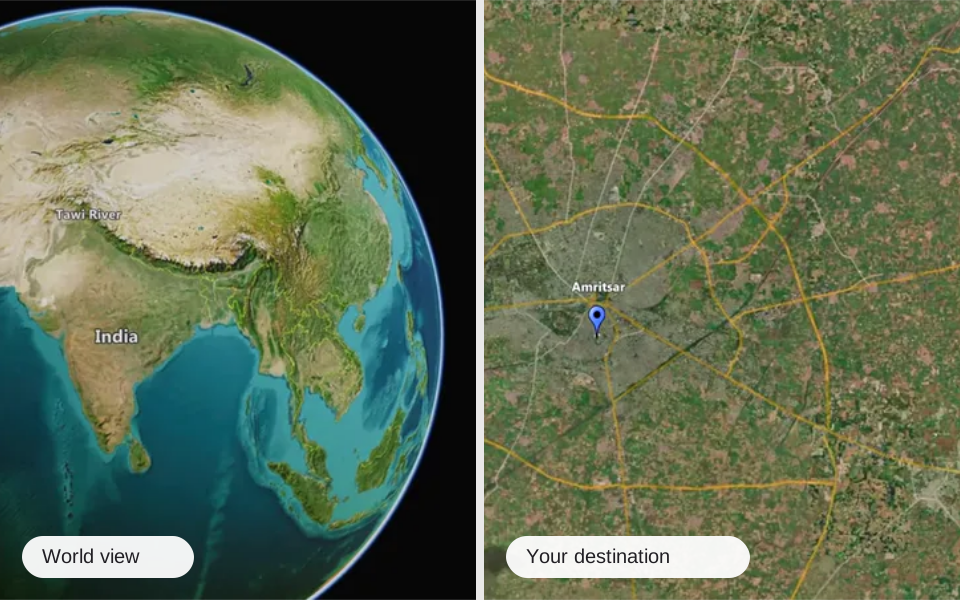
Reveal a destination with map zoom animation. Move from a world view to one place or object and introduce the next scene in your travel video.
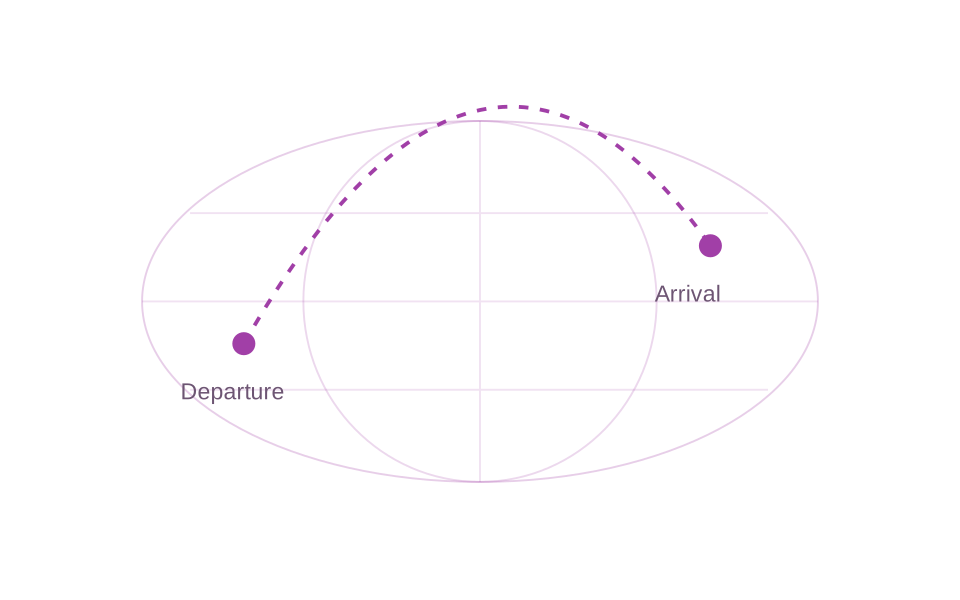
Show the air journey in your travel story with flight route animation. Connect departure and arrival destinations with a clear animated map sequence.
Make the map easier to read and the places easier to remember. Add character to your scene and show viewers where the journey takes place.
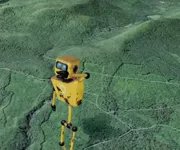
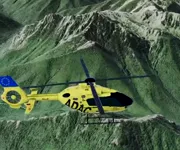
Add objects and animated characters from the library.
Label the places viewers should notice.
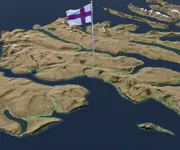
Give destinations a recognisable country flag.
Show geographical boundaries around the story.
Shape the camera movement, guide attention along the route and keep the version that works for your edit.
Set the camera view, height, tilt and clip duration.
Time marker appearances and add pauses along your route.
Preview your animation, save versions and revisit your preferred one.
Track Following moves the camera along a route. Point-to-Point moves it between chosen locations, with a camera height set for each stop. Choose Track Following when the path is the focus, or Point-to-Point when you want to connect key places.
Yes. Circling Around orbits a selected place and can be combined with route animation. Adjust the orbit’s radius, height and direction to frame the landmark and the route around it.
Zoom is a standalone feature for moving from the world map to one selected place or object. Use the transition to reveal a destination at the start of a video or introduce the next location.
Flight Route Animation visualises the route of an air journey. Point-to-Point moves the camera between selected places. Use Flight Route Animation when you want the flight path itself to be part of the story.
Use markers and signs to label important places, and built-in 3D objects or animated characters to draw attention to them. Animated flags identify destinations, while country and territory outlines show the geographical context.
Yes. Save a version of the clip before experimenting. You can return to a saved scenario, including the one used for an earlier render. Preview the animation again after changing the camera or timing.