 Powered by Esri
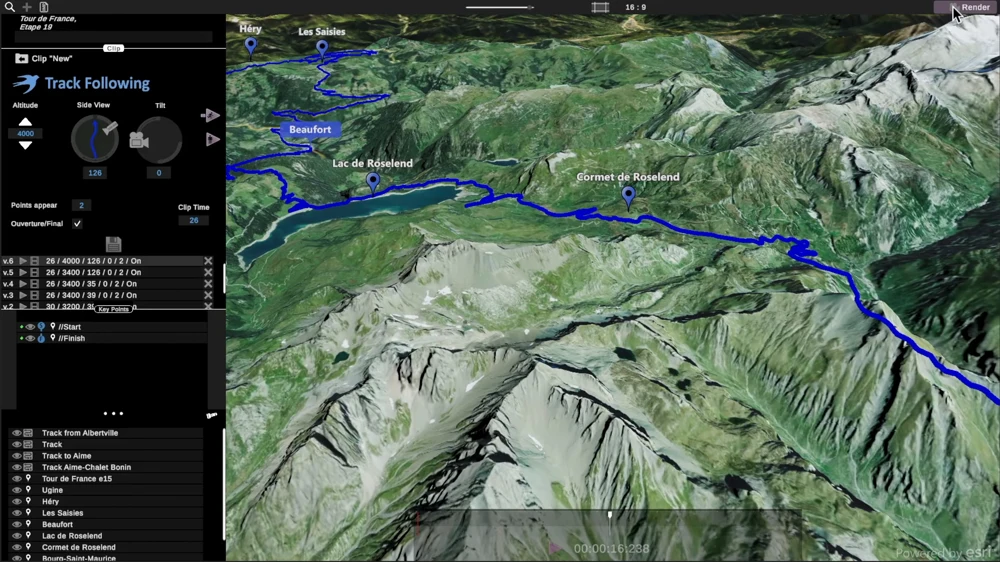
Track Following
Travel map animation
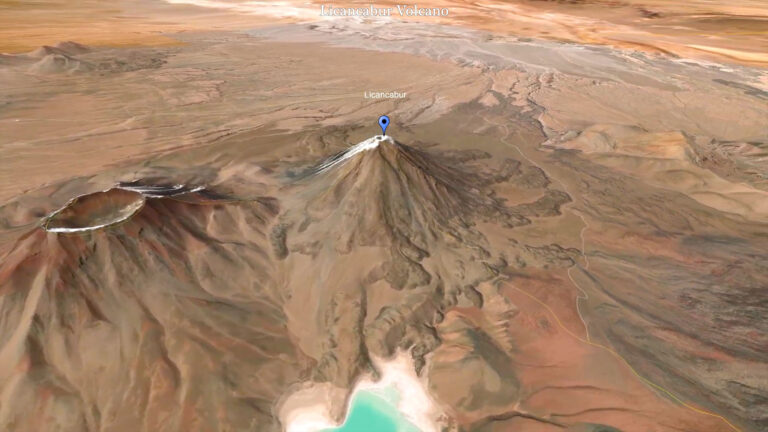
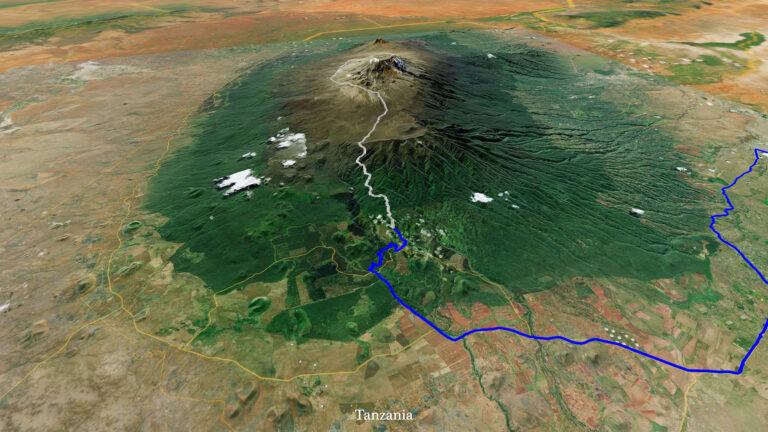
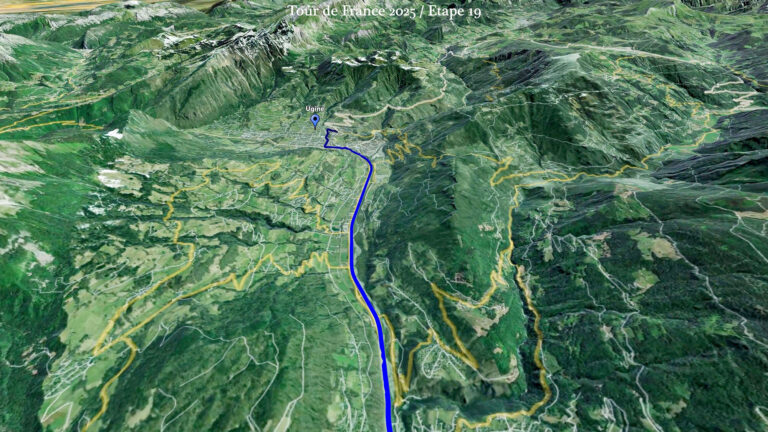
Follow a route across a 3D map. Set the duration, adjust the camera and reveal the places along your journey.
- Route following
- Camera control
- Place markers
JJ Route Animator is a route animation maker for travel videos. Build your route, animate the map and export a clip for your next edit.
Route animation, camera movement and built-in route creation for your travel videos.
Explore all featuresPowered by EsriFollow a route across a 3D map. Set the duration, adjust the camera and reveal the places along your journey.
 Powered by Esri
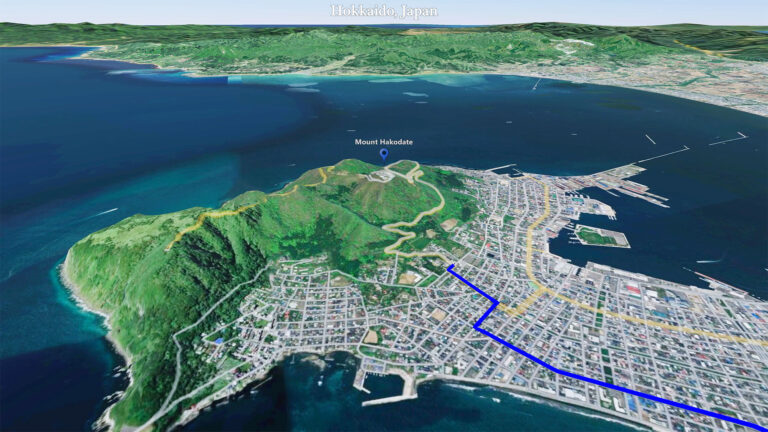
Create a standalone orbit around a landmark. Adjust the radius, height and tilt to introduce a place from your chosen angle.
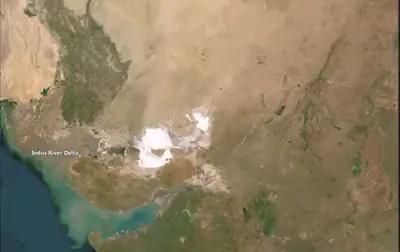 Powered by Esri
Animate camera flights between locations. Choose key points and stop heights to connect the chapters of your travel story.
 Powered by Esri
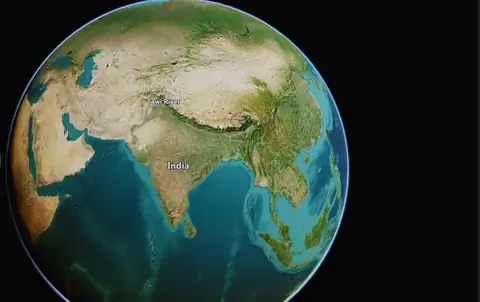
Start with the world map and zoom in to a chosen location. Use this standalone mode for a geographical intro or video transition.
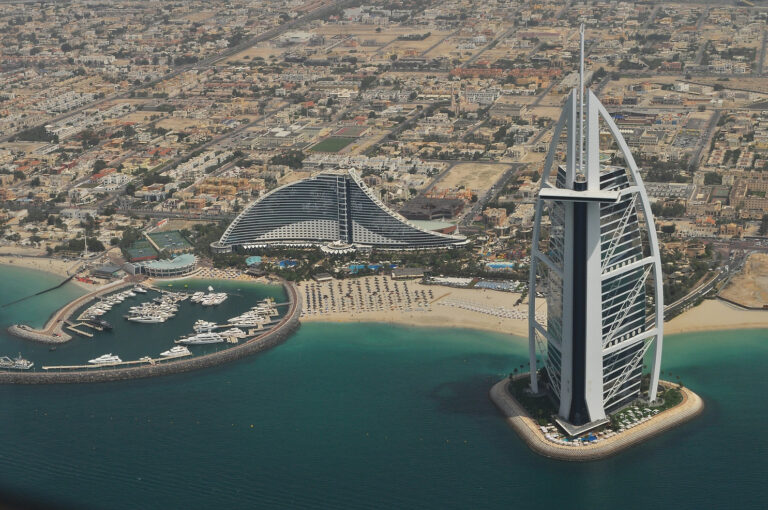
Bring an air journey into your travel video. Flight Route Animation is the next addition to JJ Route Animator’s main features.
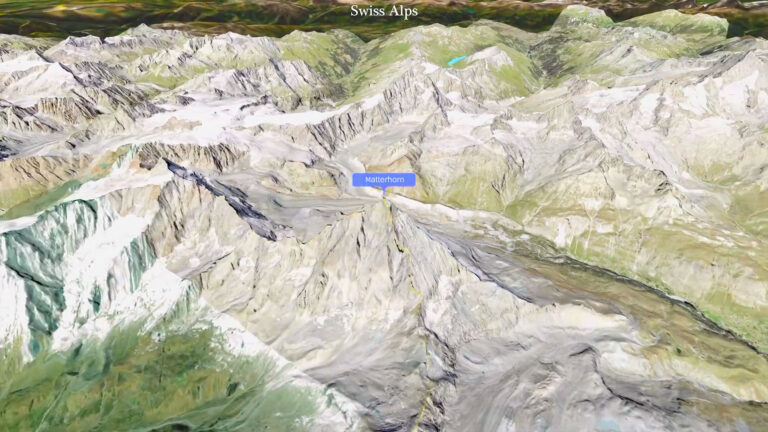
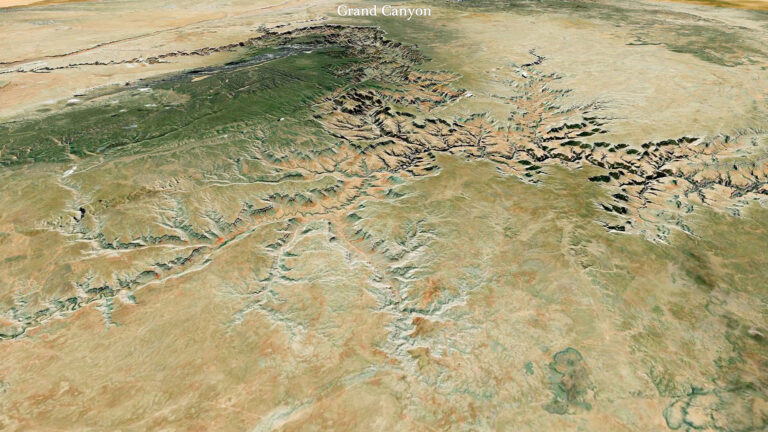
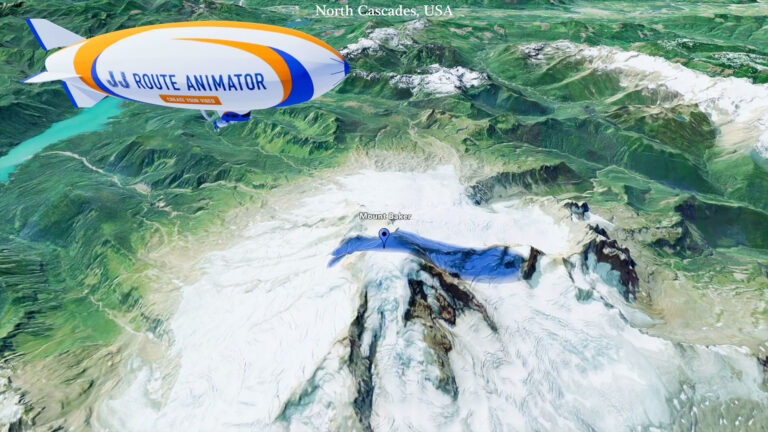
See animated routes and map videos created with JJ Route Animator, from mountain landmarks to journeys across the map.
ExamplesStart with a route or a single place. Explore the basics below, then find detailed guides to route building, camera modes and video export in Tutorials.
Explore tutorialsSearch for locations and build your route inside JJ Route Animator.
Follow a route, orbit a landmark, fly between locations or zoom in from the world map. Adjust the view and preview your animation.
Create a 4K clip in a horizontal or vertical format, ready for your video editor or social feed.
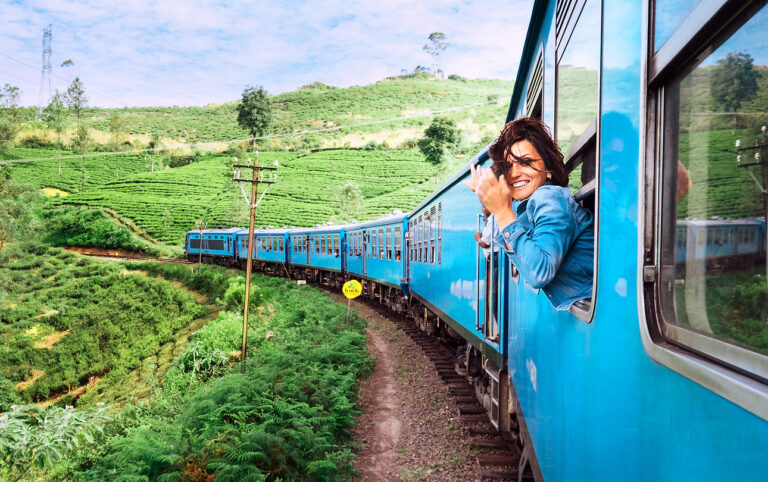
See how travel creators use animated maps and routes to show where their stories unfold.
Explore video