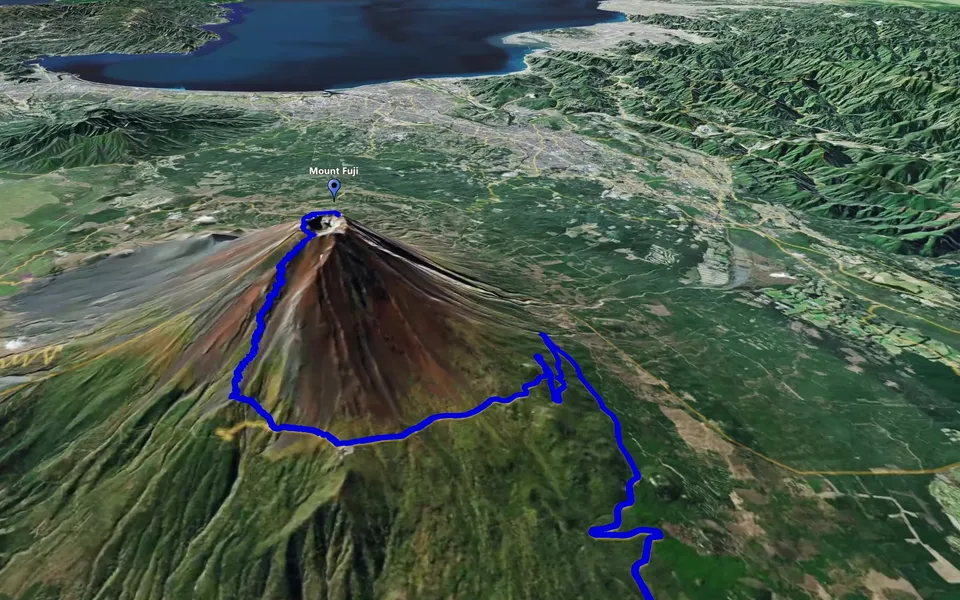
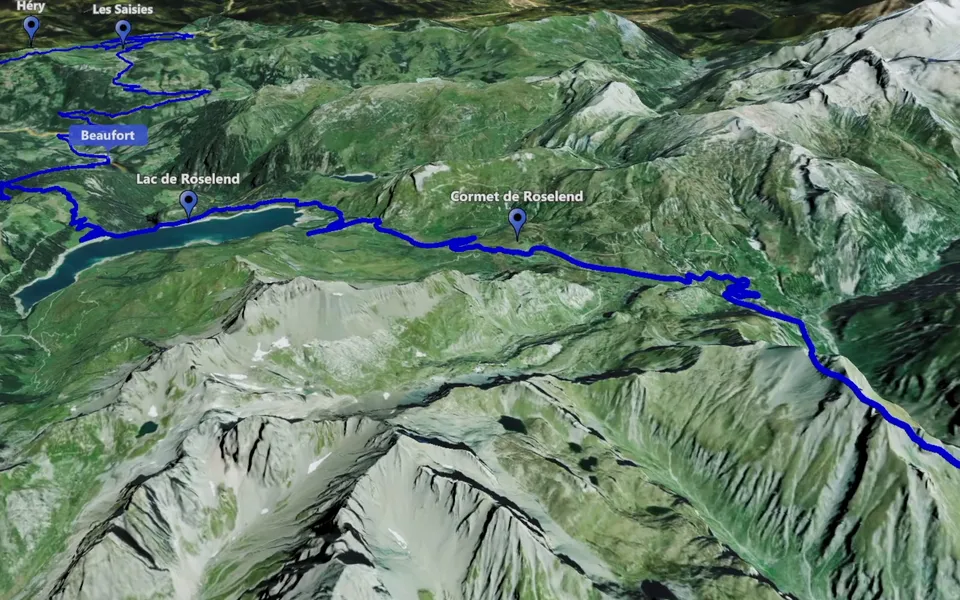
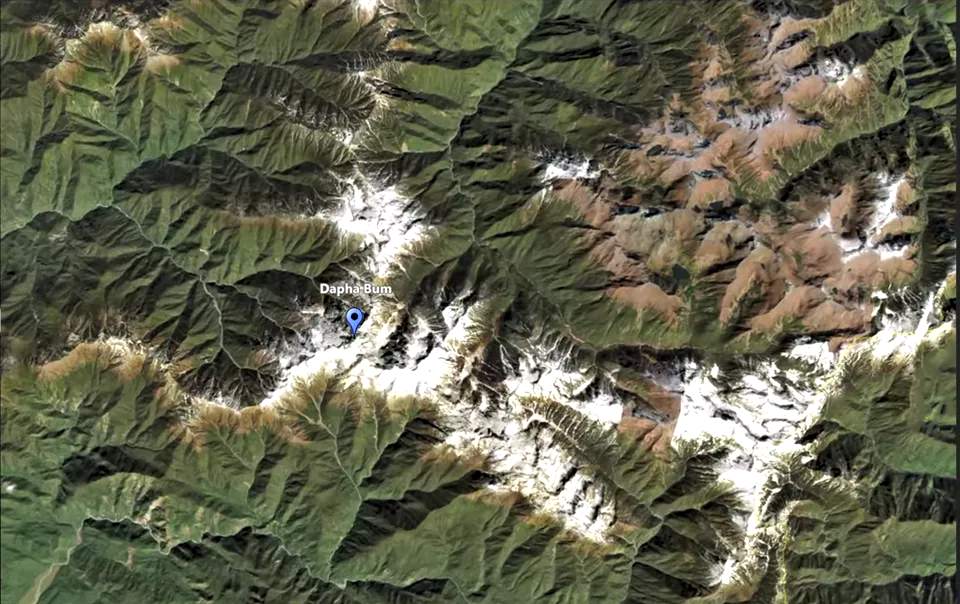
Every journey starts somewhere. Zoom in JJ Route Animator brings that place into focus or pulls back to reveal the world around it. Turn a change of scale into a memorable opening, a transition between destinations or a closing view that gives your travel story a sense of perspective.
The Zoom feature includes two separate clip types in the application: Zoom Plus (Zoom+) for moving towards a location, and Zoom Minus (Zoom-) for moving away from it.
Zoom Plus
Bring your audience to the heart of the journey. Zoom Plus moves from a wide map view towards a chosen location, turning geographical context into a sense of arrival. A mountain summit, a remote island or the city where your adventure begins becomes the focus of the story.
Open a travel vlog with the world map, then bring the camera closer to the place you are about to explore. Introduce the starting town of a road trip, reveal a landmark you finally visited or mark the beginning of a new travel chapter. The map sets the scene; your own footage brings it to life.
Zoom Minus
Give each destination a place in the bigger picture. Zoom Minus pulls back from a location to reveal the surrounding landscape and a wider map view. The summit you reached, the city you explored or the coastline you travelled along becomes part of a larger world.
Use this movement to close a chapter, reconnect a destination with the rest of your trip or end a travel film with a view of the globe. It gives the audience a final sense of scale before the story moves on.
Combine Zoom with Track Following to introduce and retrace your journey, or with Circling Around to give a landmark its own moment. Explore JJ Route Animator Tutorials for practical guides to using the application’s features and creating your own map videos.